.
SPL user manual Page 6 of 24 0412-6180459 – rev.00
7 USER INTERFACE
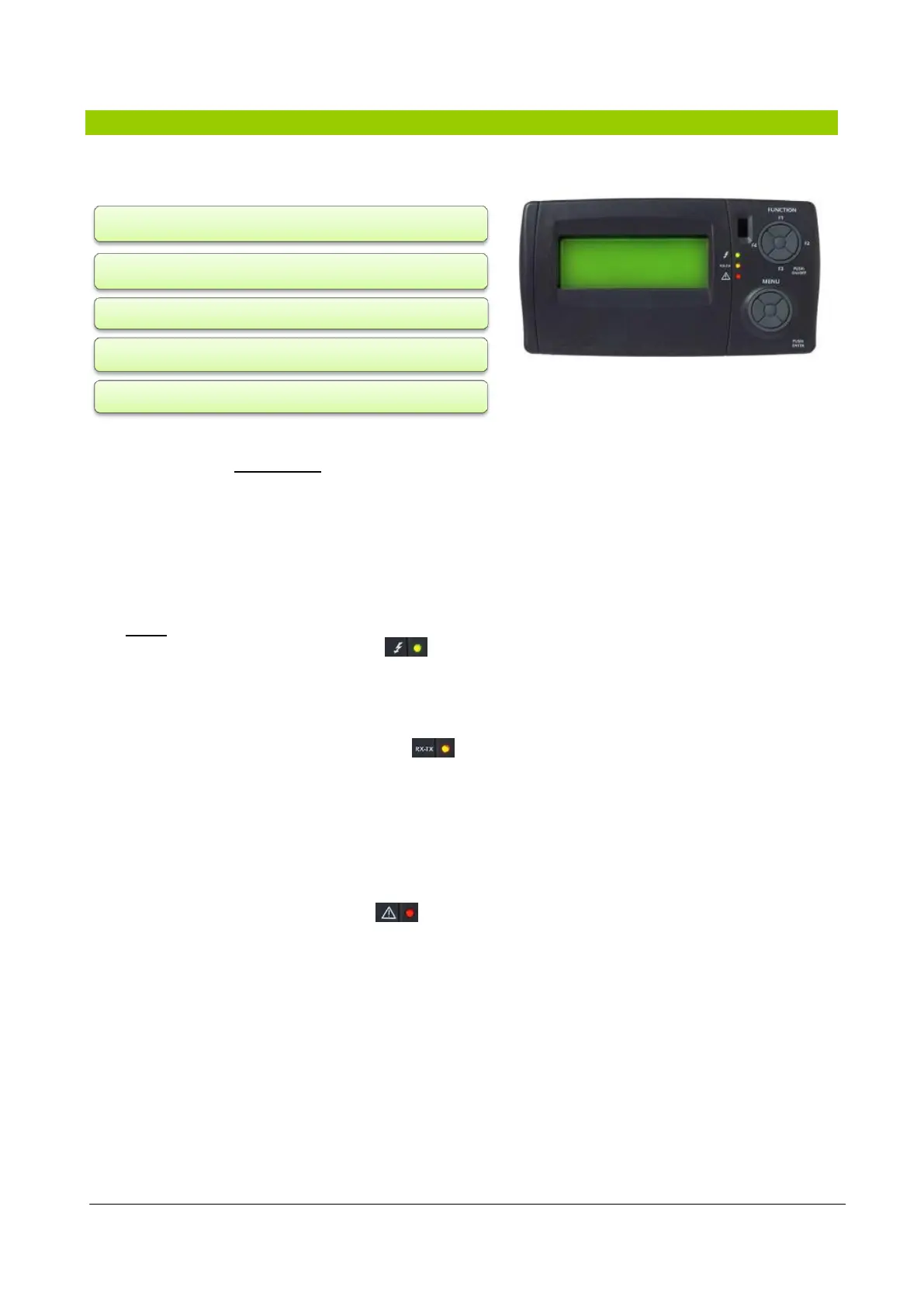
The Figure 1 illustrates the keyboard for the user interface which allows to perform all operations
concerning the use of the controller and in particular:
The keyboard, with degree of protection IP65, consists of:
- a graphic 4-line LCD display .
When any one of the keys is pressed, the monitor lights up for 10 seconds. In normal view (main view with
default menu) the "menu" is displayed and allows:
to enter the password
to access the configuration mode
to view the inputs and outputs of the XTMH basic card (the card that translates commands
from the control card in machine language)
- 3 leds that indicate:
Green Led 1 (first from the top).
Indicates the presence of the supply voltage.
Lights if the unit is electrically powered (main switch in the ON position) even when off or in stand-
by; it will be off if the device is not powered (main switch set to OFF).
Yellow Led 2 (second from the top).
Indicates that there is communication between the keyboard and the controller.
Lights if there is communication and off if the communication is interrupted or absent.
The absence of communication has a delay time of 10 seconds, after which the yellow LED flashes
and the display will show “Energy XT PRO”.
To restore communication, the yellow LED lights and the lack of communication status previously
displayed appears again on the screen.
Red Led 3 (third from the top).
Indicates that an alarm is present.
Lights if there is at least one alarm active;
Off if there are no alarms active;
Flashing if there are alarms active that can be turned off manually.
Figure 1: Keyboard on the machine (standard) and/or
remote keyboard (accessory)
turn the unit on and/or off;
set the unit's operating mode;
set the time slots;
manage alarm situations;
set the parameters



 To Next Page