4-8
ANALOG TRANSMITTER TESTING
Equipment Needed
2975
MIC/Audio Adapter (AC25007)
Interconnect
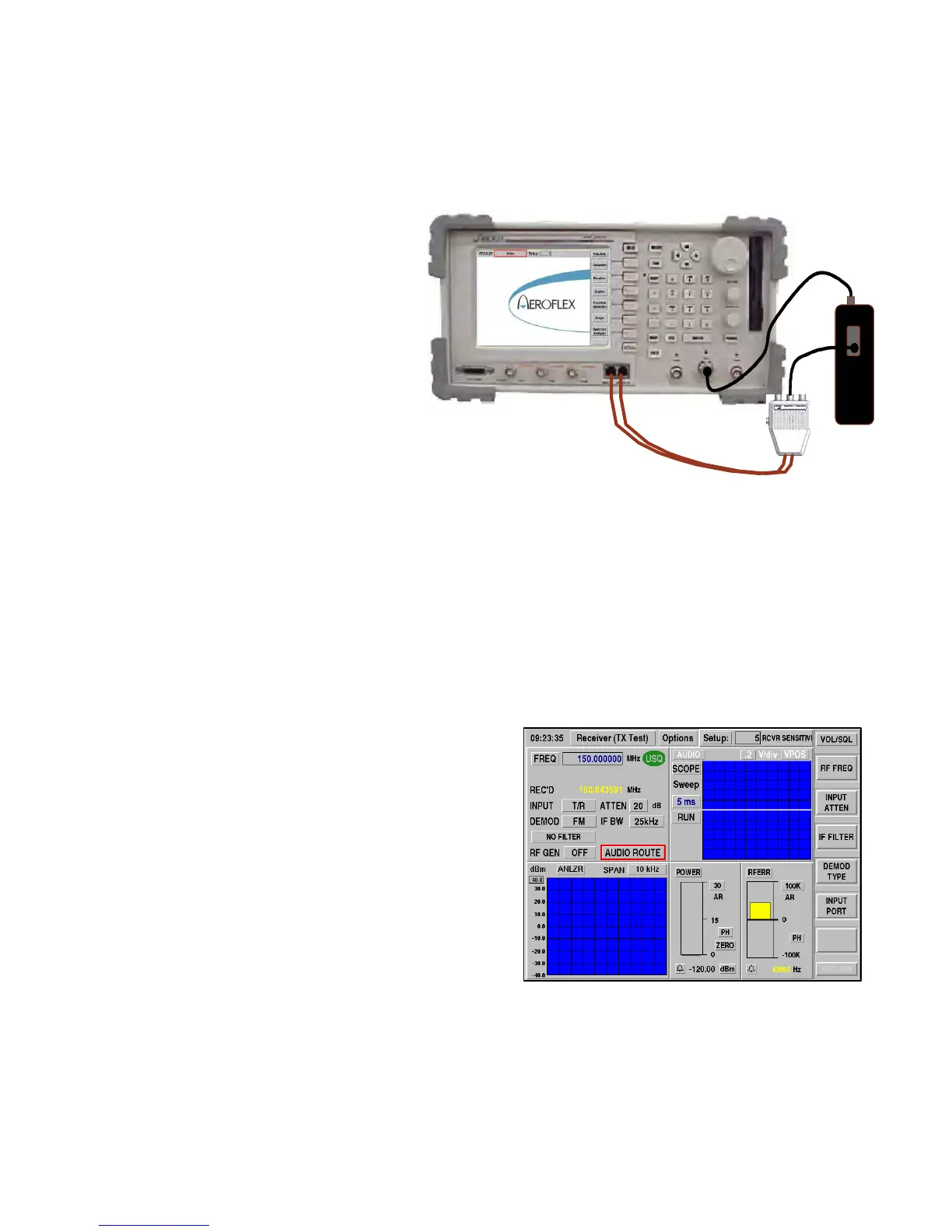
Establish the cable interconnect shown above.
Configure the Radio
1. Set the Radio to the desired test channel frequency.
2. Configure the Radio for analog CW mode of operation (No CTCSS or DCS).
Configure the 2975
1. Select Receiver (TX Test) [MODE] [2].
2. Enable the following option tiles:
Oscilloscope
Spectrum Analyzer
RF Error Meter
Power Meter
3. Set the 2975 Receive FREQuency to match the
Radio transmit frequency.
4. Select INPUT PORT T/R.
5. Set ATTEN to 20 dB.
6. Set the 2975 Receive Frequency to match the
Radio frequency.
7. Select IF BW 12.5 kHz.
8. Set ATTEN to 20 dB.
9. Select RF GEN OFF.












 To Next Page