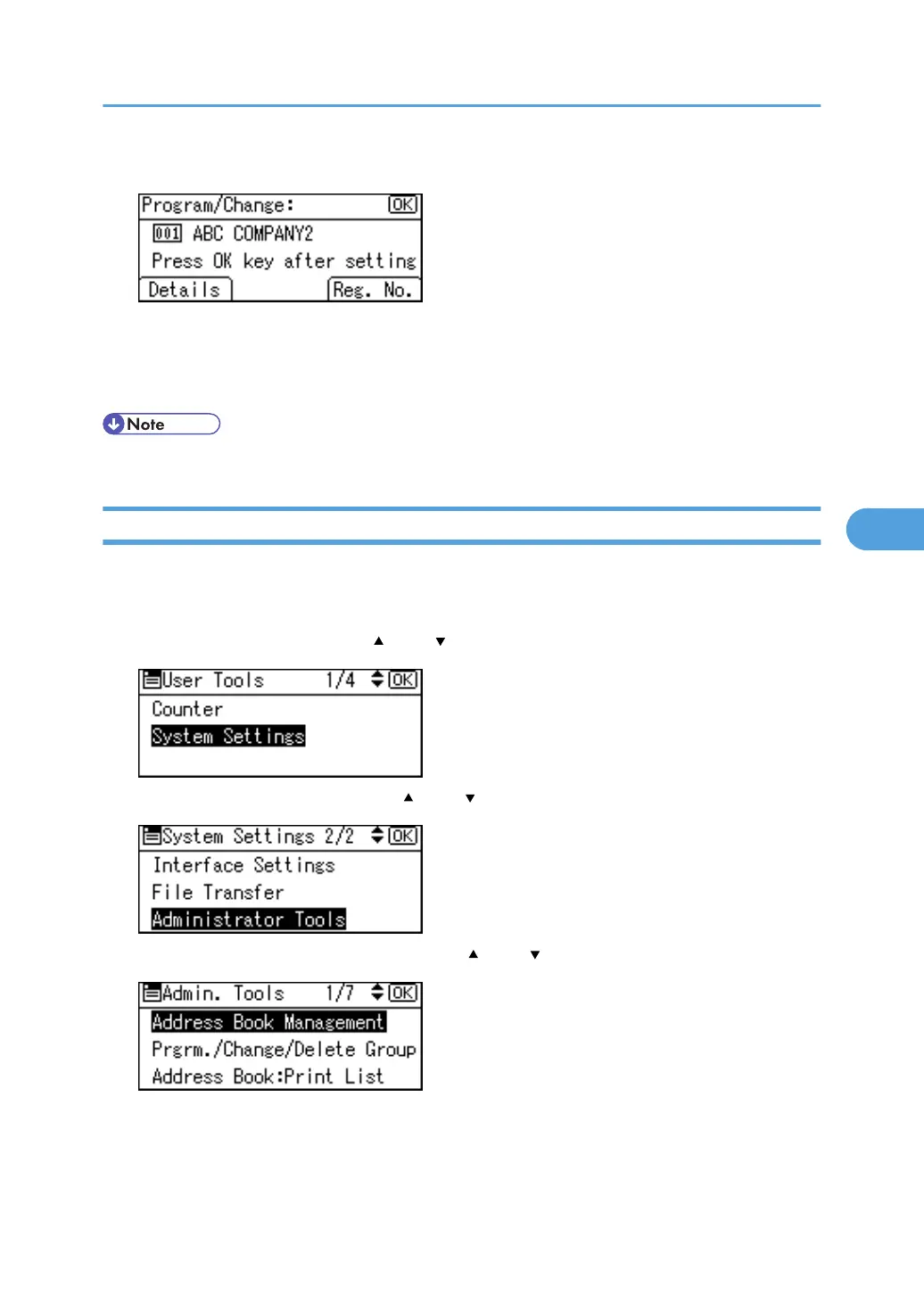
8. Press the [OK] key.
To change a registration number, press [Reg. No.].
Enter a new number using the number keys or a Quick Dial key, and then press the [OK] key.
9. Press the [User Tools/Counter] key.
• You can search by the registered name, or fax number.
Deleting a Registered Name
This section describes how to delete a name.
1. Press the [User Tools/Counter] key.
2. Select [System Settings] using [ ] and [ ], and then press the [OK] key.
3. Select [Administrator Tools] using [ ] and [ ], and then press the [OK] key.
4. Select [Address Book Management] using [ ] and [ ], and then press the [OK] key.
Registering Names
231



 To Next Page