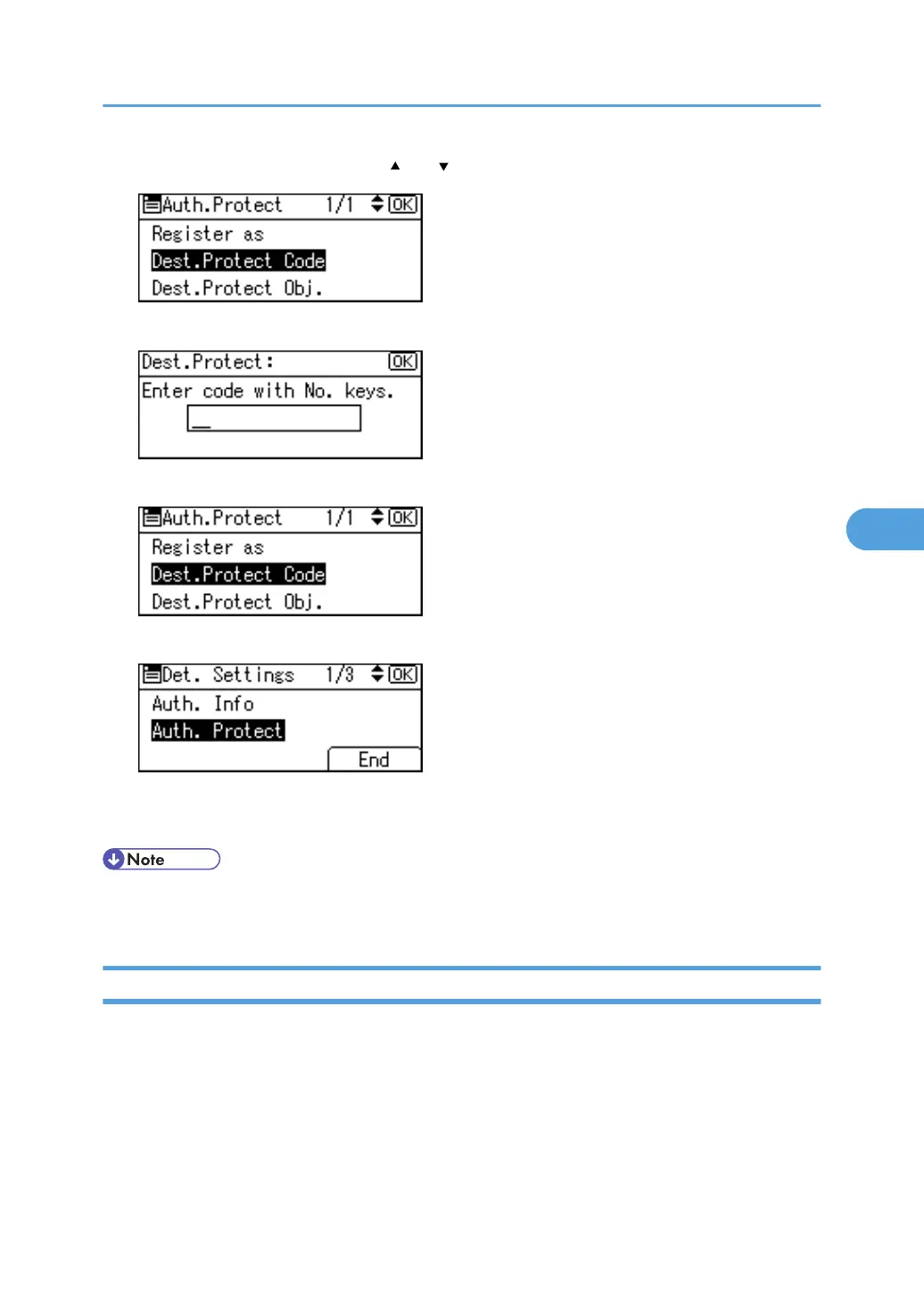
16. Select [Dest.Protect Code] using [ ] or [ ], and then press the [OK] key.
17. Enter a protection code using the number keys, and then press the [OK] key.
18. Press the [Escape] key.
19. Press [End].
20. Press the [OK] key.
21. Press the [User Tools/Counter] key.
• Specify a protection code of up to eight digits. You can also specify "Protection" without specifying a
protection code.
Registering a Protection Code to a Group User
This section describes how to register a Protection Code to a Group User.
1. Press the [User Tools/Counter] key.
Registering a Protection Code
335



 To Next Page