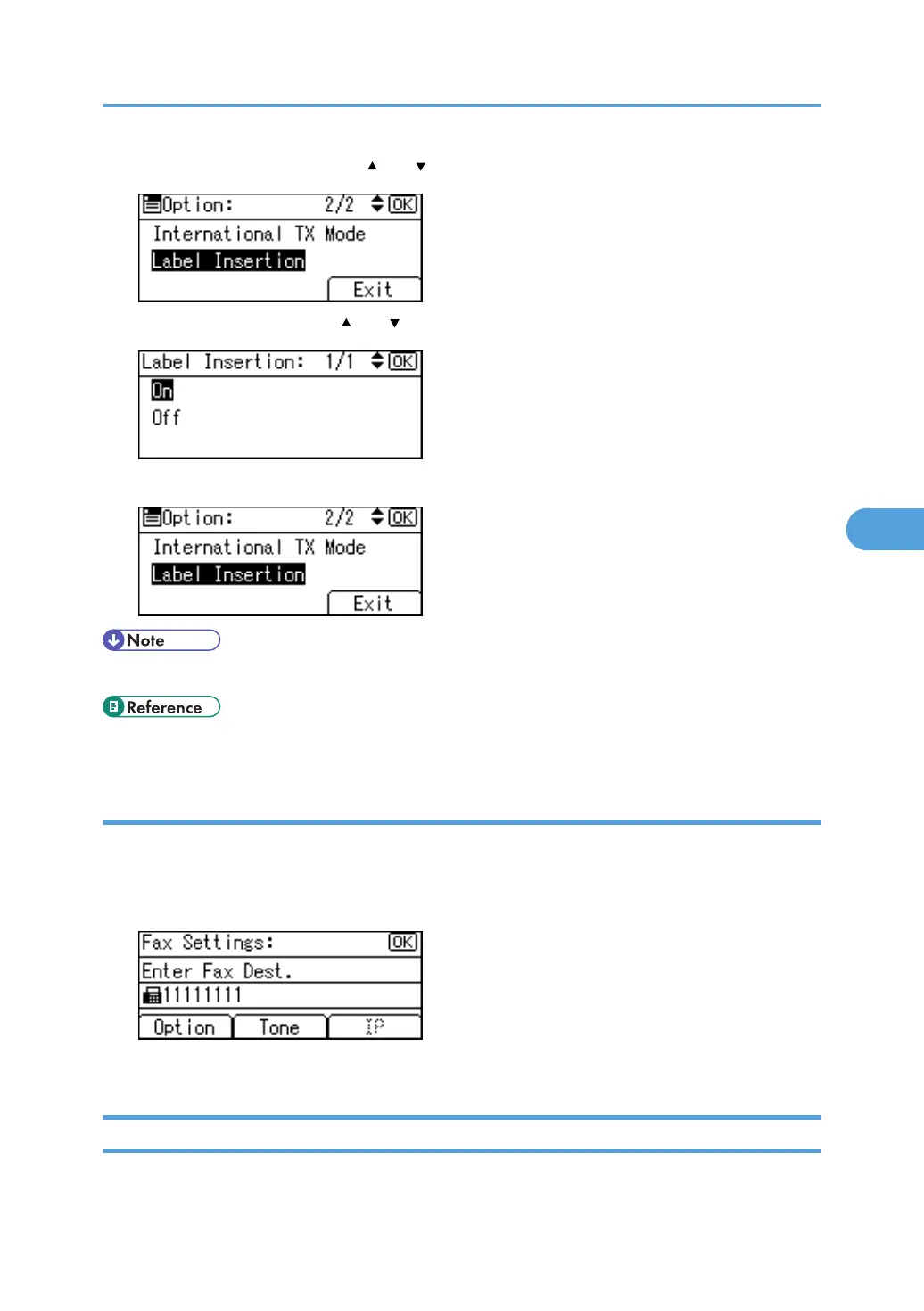
2. Select [Label Insertion] using [ ] or [ ], and then press the [OK] key.
3. Select [On] or [Off] using [ ] or [ ], and then press the [OK] key.
4. Press [Exit].
• To change the name, see "Registering Names".
• p.228 "Registering Names"
Using the tone
This function allows the machine to send tonal signals when it is connected to a pulse dialing line (for
example: to use a special service on a tone dialing line).
1. Press [Tone].
A tone is shown as a "T" on the display.
Deleting a Fax Destination
This section describes how to delete a registered fax destination.
Fax Destination
259



 To Next Page