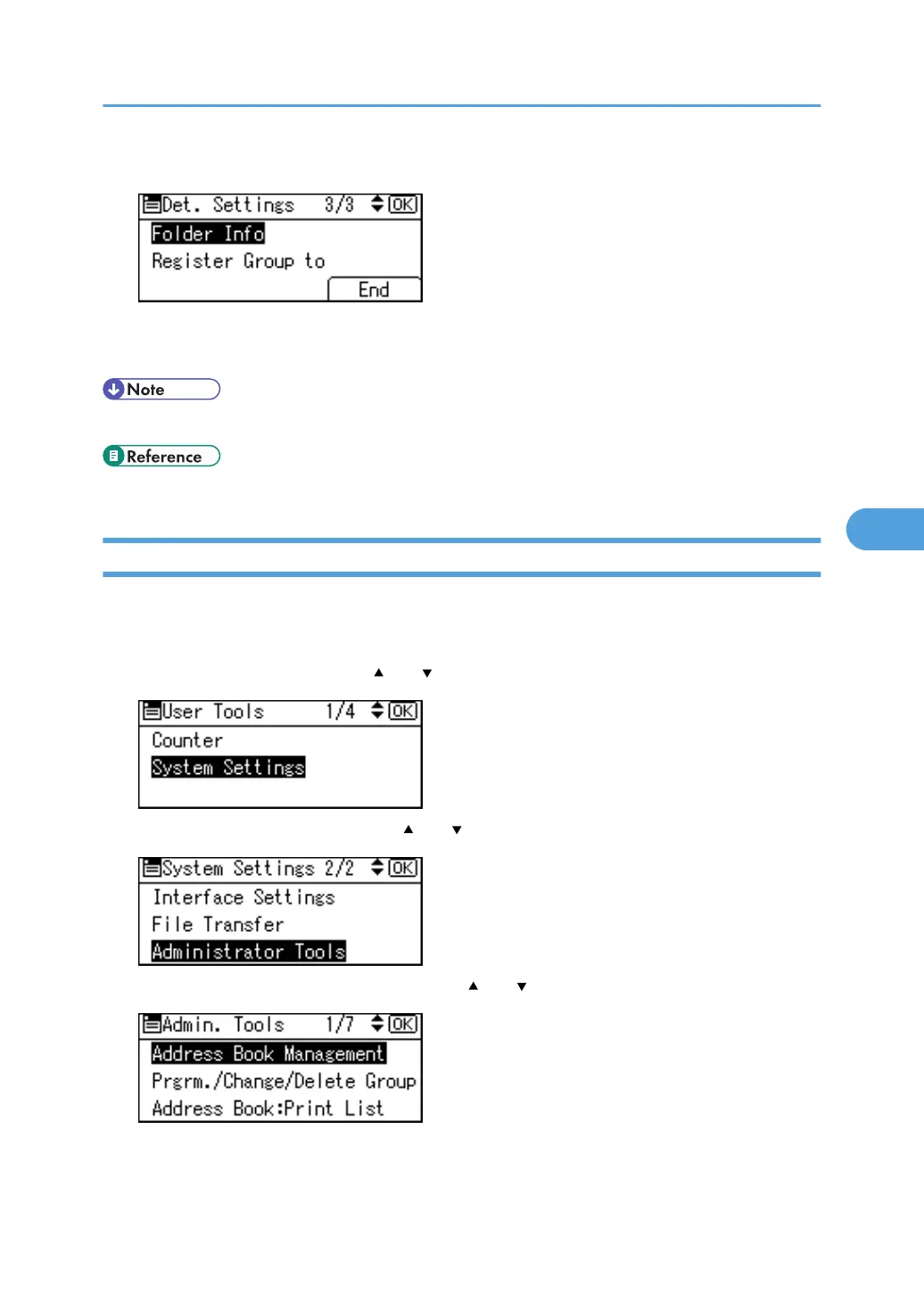
13. Press [End].
14. Press the [OK] key.
15. Press the [User Tools/Counter] key.
• To delete the name, see "Registering Names".
• p.228 "Registering Names"
Registering an FTP Folder
This section describes how to register an FTP folder.
1. Press the [User Tools/Counter] key.
2. Select [System Settings] using [
] or [ ], and then press the [OK] key.
3. Select [Administrator Tools] using [ ] or [ ], and then press the [OK] key.
4. Select [Address Book Management] using [ ] or [ ], and then press the [OK] key.
Registering Folders
293



 To Next Page