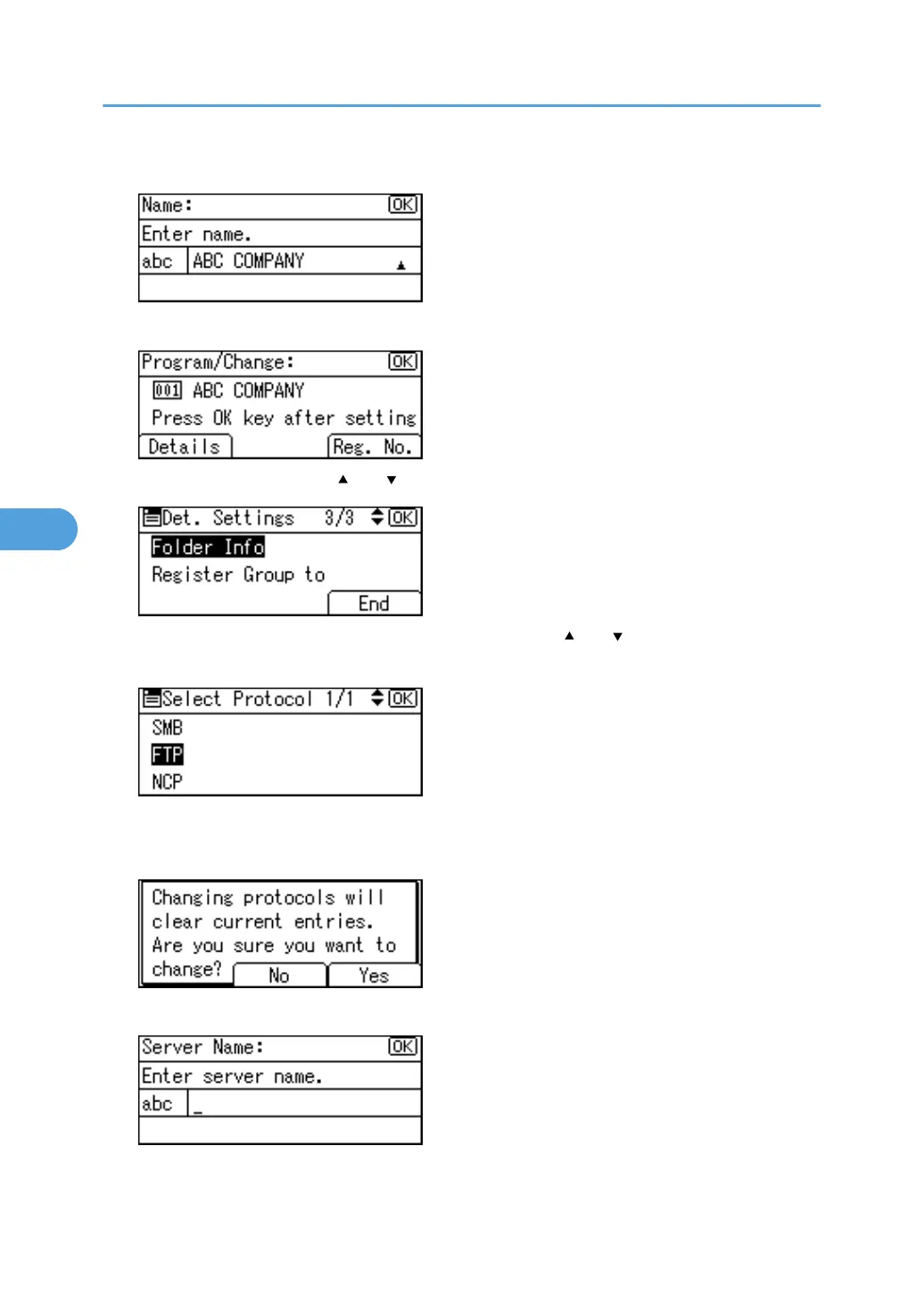
7. Press the [OK] key.
8. Press [Details].
9. Select [Folder Info] using [ ] or [ ], and then press the [OK] key.
10. Select the protocol which is not currently selected using [ ] or [ ], and then press the [OK]
key.
A confirmation message appears.
11. Press [Yes].
12. Press the [Escape] key twice.
5. Registering Addresses and Users for Facsimile/Scanner Functions
292



 To Next Page