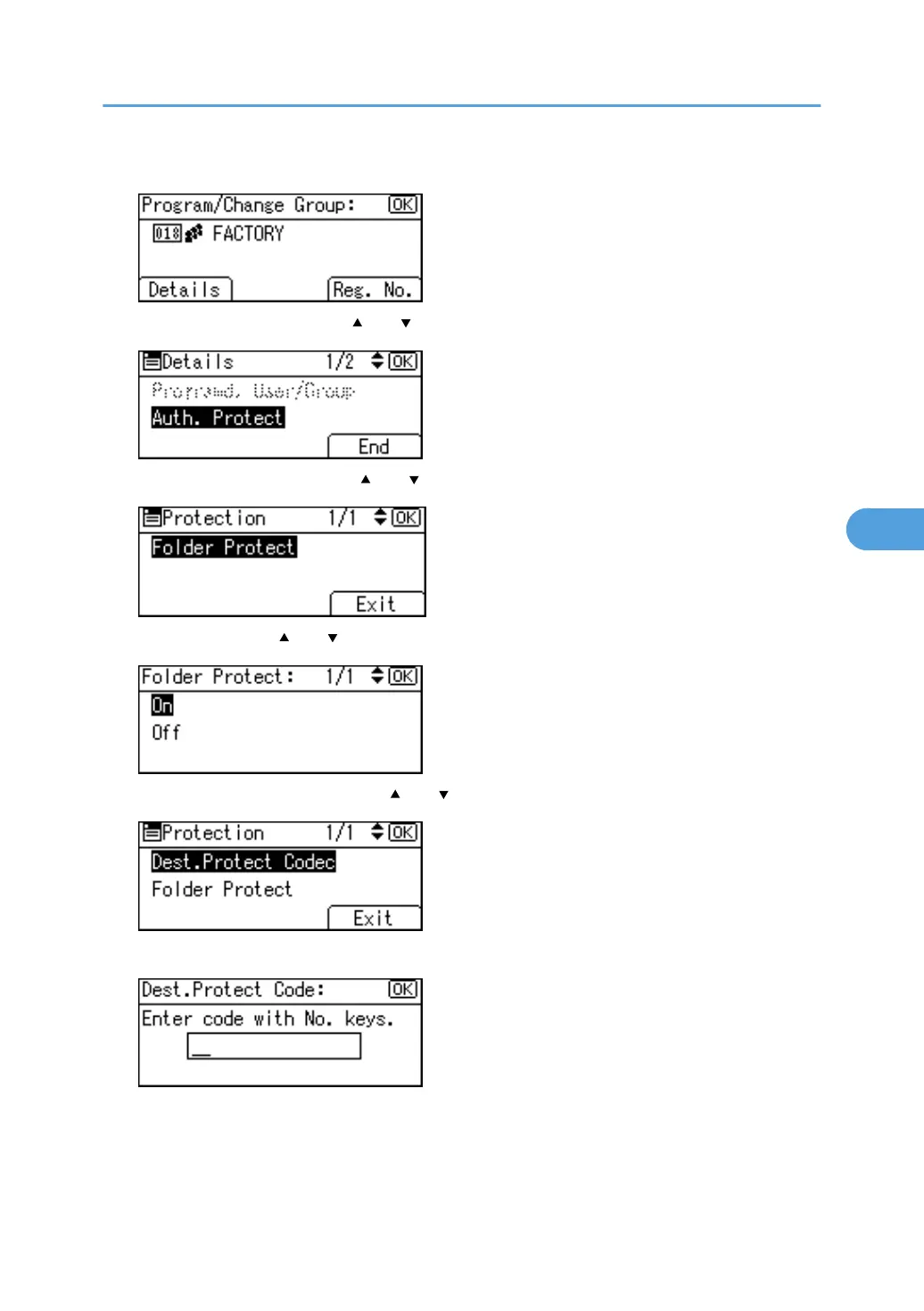
8. Press [Details].
9. Select [Auth. Protect] using [ ] or [ ], and then press the [OK] key.
10. Select [Folder Protect] using [ ] or [ ], and then press the [OK] key.
11. Select [On] using [ ] or [ ], and then press the [OK] key.
12. Select [Dest.Protect Code] using [ ] or [ ], and then press the [OK] key.
13. Enter a protection code using the number keys, and then press the [OK] key.
Registering a Protection Code
337



 To Next Page