EasyManua.ls Logo

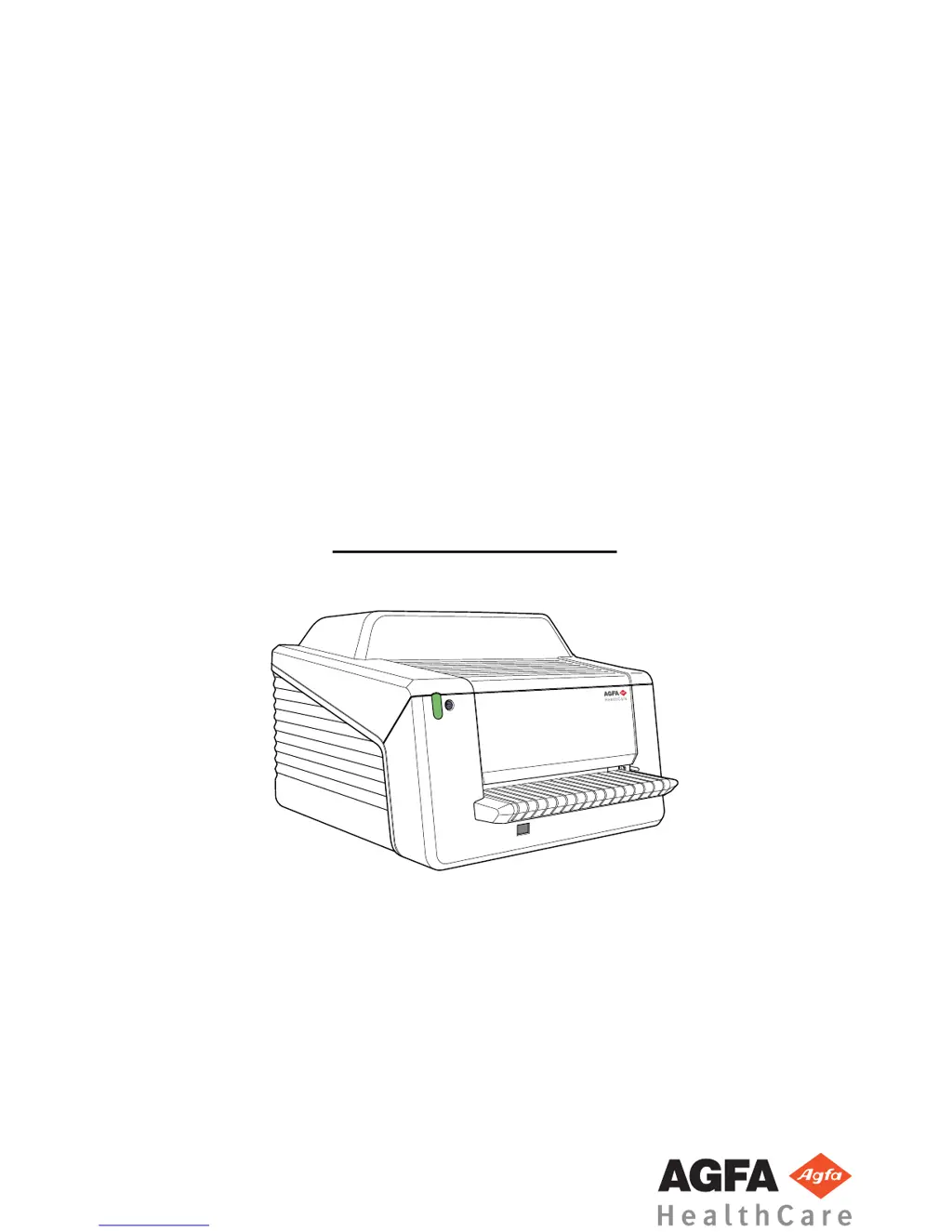
AGFA CR 30-Xm - User Manual

AGFA CR 30-Xm
98 pages
Print Icon
To Next Page IconTo Next Page
Loading...
CR 30-X, CR 30-Xm
5175/200
5175/205
5179/100
User Manual
2386I EN 20151020 1518

Table of Contents

Questions and Answers

  • D
    Drew OconnorAug 17, 2025
    What to do if AGFA CR 30-Xm Medical Equipment shows empty cassette error or image plate jam?
    • B
      Benjamin HallAug 17, 2025
      If you receive an error indicating an empty cassette or an image plate jam, switch off the digitizer and open the front cover. Check if there is no image plate visible in the transport unit, then close the cover and switch the digitizer back on. After the restart, remove the cassette from the digitizer and check if there is an image plate inside.
  • B
    brendan14Aug 20, 2025
    What to do if AGFA Medical Equipment shows error during writing on RF-tag?
    • A
      Amanda MayerAug 20, 2025
      If you receive an error during writing on the RF-tag after scanning, confirm the message by pressing the OK button on the PC. Then, remove the cassette, push the erase button on the digitizer, and re-enter the cassette for a manual erase cycle.
  • M
    Matthew GreeneAug 22, 2025
    What to do if AGFA Medical Equipment shows error during read-out of the ID data?
    • T
      Theresa JacksonAug 22, 2025
      If you encounter an error during the read-out of the ID data, confirm the message by clicking the OK button and then re-identify the cassette.
  • J
    John WatkinsAug 26, 2025
    What to do if AGFA Medical Equipment shows communication error due to Ethernet cable?
    • E
      Emily KennedyAug 26, 2025
      If you receive a communication error and suspect the Ethernet cable, first, verify that the Ethernet cable is securely plugged into both the PC and the digitizer. Next, visually inspect the cable for any signs of damage. If the problem persists after checking the cable, try restarting both the PC and the digitizer. If the issue still continues, contact service.
  • J
    jonesjoseAug 28, 2025
    How to fix connection problem between AGFA digitizer and NX PC?
    • C
      Caroline MossAug 28, 2025
      To resolve a connection issue between the digitizer and the NX PC, begin by checking the Ethernet cables to ensure they are properly connected. If the problem persists, restart both the PC and the digitizer. If the error continues after restarting, contact service.
  • T
    Timothy ThompsonAug 30, 2025
    How to troubleshoot AGFA Medical Equipment digitizer that does not start?
    • S
      Shane AdamsAug 31, 2025
      If the digitizer fails to start, check the power supply to ensure it is functioning correctly. If the power supply is working, contact your local service engineer for further assistance.
  • W
    William FosterSep 2, 2025
    What to do if the erasure lamp failed during scanning cycle on AGFA digitizer?
    • V
      Valerie BarberSep 2, 2025
      If the erasure lamp fails during a scanning cycle, try restarting the digitizer. If the problem continues after restarting, contact service.
  • R
    Robert WelchSep 5, 2025
    What to do if there is a connection problem between AGFA digitizer and the Digitizer Remote Display?
    • A
      Aimee FrazierSep 5, 2025
      If you encounter a connection problem between the digitizer and the Digitizer Remote Display, check if the Digitizer Remote Display is running. Try starting or restarting the Digitizer Remote Display.
  • D
    Dana ScottSep 8, 2025
    Why AGFA CR 30-Xm digitizer cannot detect the cassette chip?
    • F
      flemingmatthewSep 8, 2025
      If the digitizer cannot detect the cassette chip, open the cassette and check if the tray is inserted correctly. Alternatively, try using another cassette. If the issue persists, contact service.
  • M
    Maureen DeleonSep 12, 2025
    What to do if AGFA CR 30-Xm Medical Equipment timed out because the ID button was not pressed?
    • L
      laura32Sep 12, 2025
      If a time-out occurs because the ID button of the image processing software was not pressed within 5 minutes, confirm the message on the PC and then press the ID button in the image processing software.

Summary

System Configuration

Main System Configuration

Describes the primary components of the CR 30-X/CR 30-Xm system.

Configuration with Fast ID

Explains the system setup using a single workstation with identification software.

Configuration with ID Tablet

Details the system configuration using shared digitizers with ID Tablets.

Compatibility

Connectivity

Installation

Mobile Use Installation

Provides guidelines for installing the digitizer in mobile environments like vehicles.

Image quality check after transport

Details the procedure for checking image quality after the device has been transported.

Cleaning and Disinfection

Patient data security

Maintenance

Preventive Maintenance

Describes the schedule and requirements for regular preventive maintenance.

Recurrent safety tests

Safety Directions

General safety instructions

Quality Control

Getting started

Starting the Device

Provides step-by-step instructions on how to power on and initiate the digitizer.

Basic Workflow using Fast ID

Outlines the standard operational workflow for digitizing images using Fast ID.

Basic Workflow using ID Tablet

Describes the typical workflow for digitizing images when using an ID Tablet.

Operating CR 30-X;CR 30-Xm

Reading the Initialization Data of an Image Plate

Troubleshooting

Troubleshooting Checklist

Provides a systematic approach to identifying and resolving digitizer malfunctions.

Removing a Jammed Image Plate

Step-by-step guide on how to safely remove a jammed image plate from the digitizer.

Technical Data

Remarks for HF-emission and immunity

AGFA CR 30-Xm Specifications

General IconGeneral
TypeComputed Radiography (CR)
Image Plate Size35 x 43 cm (14 x 17 in)
Spatial Resolution10 pixels/mm
Cassette Sizes35 x 43 cm (14 x 17 in), 24 x 30 cm
Power Supply/Requirements100-240 VAC, 50/60 Hz
Detector TypePhotostimulable phosphor screen
ConnectivityDICOM

Related product manuals