EasyManua.ls Logo

AGFA CR 12-X - User Manual

AGFA CR 12-X
84 pages
Print Icon
To Next Page IconTo Next Page
Loading...
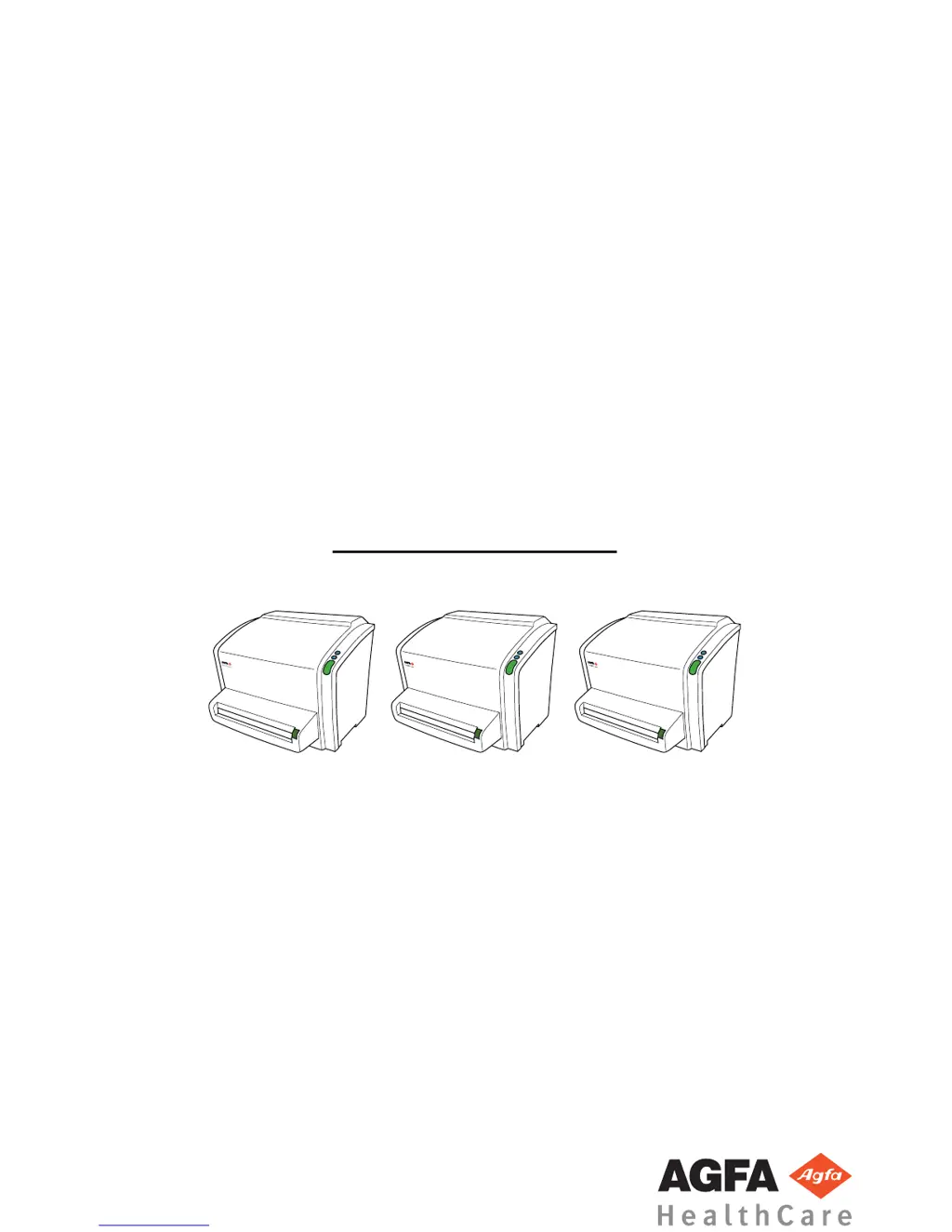
CR 10-X, CR 12-X, CR 15-X
5151/100
5151/200
5151/300
User Manual
CR
10-
X
CR
12-
X
CR
15-
X
2491E EN 20150409 1543

Table of Contents

Other manuals for AGFA CR 12-X

Questions and Answers

  • P
    Pam HumphreyAug 9, 2025
    What to do if AGFA Measuring Instruments has image plate transport problems?
    • S
      Scott GallagherAug 9, 2025
      If you encounter image plate transport problems with your AGFA Measuring Instruments, remove the cassette, press the confirm button, and then perform the following checks: 1. Inspect the cassette for any signs of damage. 2. Open the cassette and check the shutter for damages. 3. Verify if the image plate is bent by placing it on a flat surface. The entire plate must touch the surface. If there's a gap, like a lifted edge or sharp bend, the image plate needs to be replaced.
  • S
    stuartsandersAug 16, 2025
    Why AGFA Measuring Instruments cassette could not be identified?
    • T
      Tamara MayAug 16, 2025
      The AGFA Measuring Instruments cassette may not be identified because you clicked the ID button immediately after inserting the cassette into the digitizer. To resolve this, wait until the digitizer has finished reading the data on the cassette and sent it to the NX PC. This process might take a few seconds, after which the error message should disappear.
  • F
    Faith BlackburnAug 25, 2025
    What to do if AGFA Measuring Instruments cannot read data on the image plate?
    • J
      Joyce WalshAug 26, 2025
      If your AGFA Measuring Instruments unit is having trouble reading data on the image plate, first remove the plate from the cassette, referring to the AGFA CR Plates and Cassettes User Manual for instructions. Check the barcode to ensure it is fully legible, cleaning any dirt if necessary, following the plate cleaning instructions. Also, ensure the optics cleaning lever is in the 'home' position on the left side, allowing the digitizer to read the barcode.
  • J
    Jennifer MortonAug 31, 2025
    What to do if I pressed the cassette release button before the end of the cycle on AGFA Measuring Instruments?
    • R
      Robert LopezAug 31, 2025
      If you accidentally pressed the cassette release button on your AGFA Measuring Instruments before the cycle completed, avoid doing so in the future. If it has already happened, clamp the cassette again by pushing it towards the digitizer and then restart the digitizer.

Summary

Introduction

Scope and Safety Information

Defines the manual's scope, safety icons, warnings, and cautions.

Getting Started

Digitizer Startup and Basic Workflow

Steps to power on the digitizer and guides through the core digitizing process.

Digitizer Operation

Troubleshooting

Cassette, Image Plate, and Jamming Problems

Solutions for cassette errors, image plate issues, and jammed plates.

Power Failures and Optical Cleaning

Procedures for handling power interruptions and cleaning the optical unit.

Technical Data

Electromagnetic Compatibility

HF Emission, Immunity, and Resistance

Details compliance with standards for RF emissions, immunity, and interference resistance.

AGFA CR 12-X Specifications

General IconGeneral
BrandAGFA
ModelCR 12-X
CategoryMedical Equipment
LanguageEnglish

Related product manuals