36
4450A EN 20060221Basic operation (‘Operator mode’)
CR 85-X DIGITIZER
3 Use the Up and Down keys to set the number of image plates to be erased. The default
value is 1; the maximum is 9.
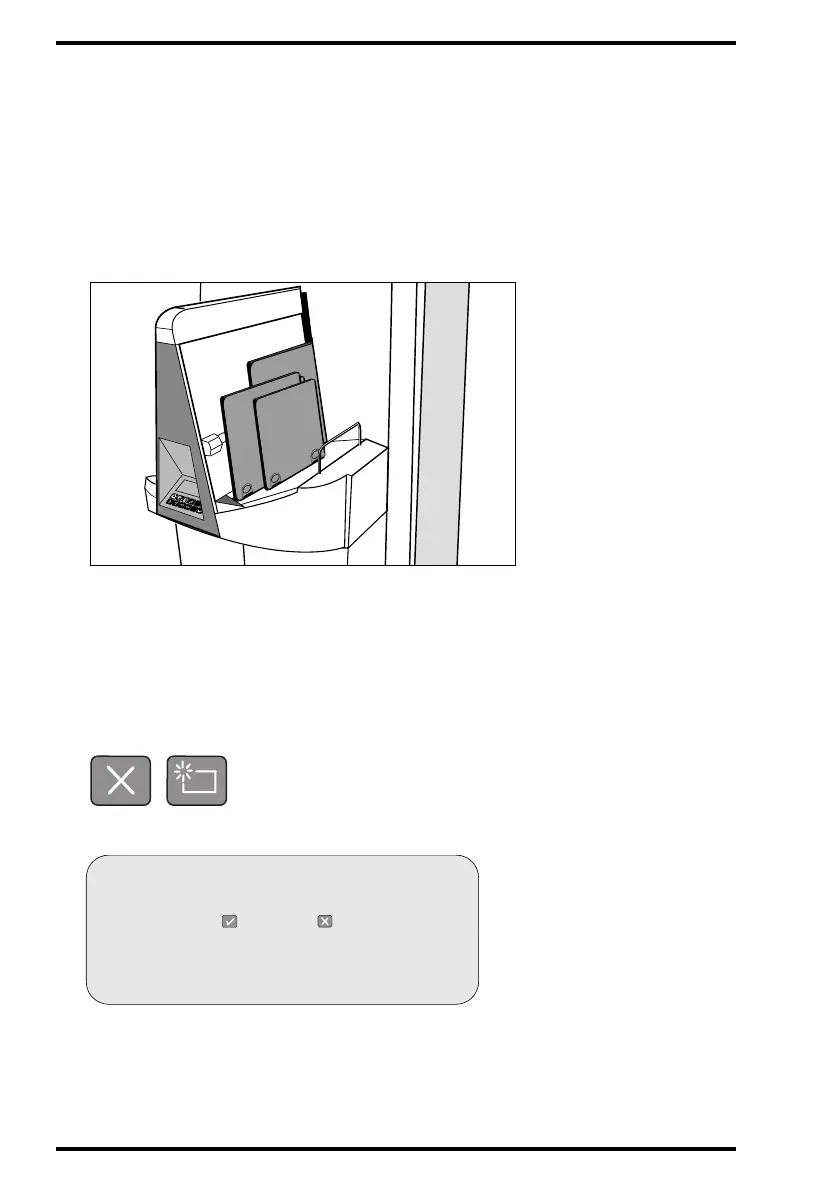
4 Place the cassettes which you want to erase in the cassette input buffer.
After a cassette has been erased, the # digit on the display decreases.
While erasing, the CR 85-X will still display the above screen and the status indicator
will be green flashing. When the CR 85-X has erased the image plate, it displays the
operator main screen.
You can now add (exposed) cassettes to the batch of cassettes. The Digitizer will only
erase as many cassettes as you have specified.
If you place fewer cassettes in the cassette input buffer than you have specified, the
Digitizer will erase the cassettes in the buffer and revert to normal mode after a time-
out of 1 minute.
You can quit the Erase function by either pressing Escape or by pressing the Erase key
a second time (‘toggle’ key).
If the above screen is not displayed but the display reads:
LOCKED
ERASURE
ERASE “PATIENT NAME”?
Press to erase or to scan



 To Next Page