Appendix B — Using the document feeder option 46
Operating the document feeder option
When the ADF is installed and the scanner is powered on, start up the scanner application software.
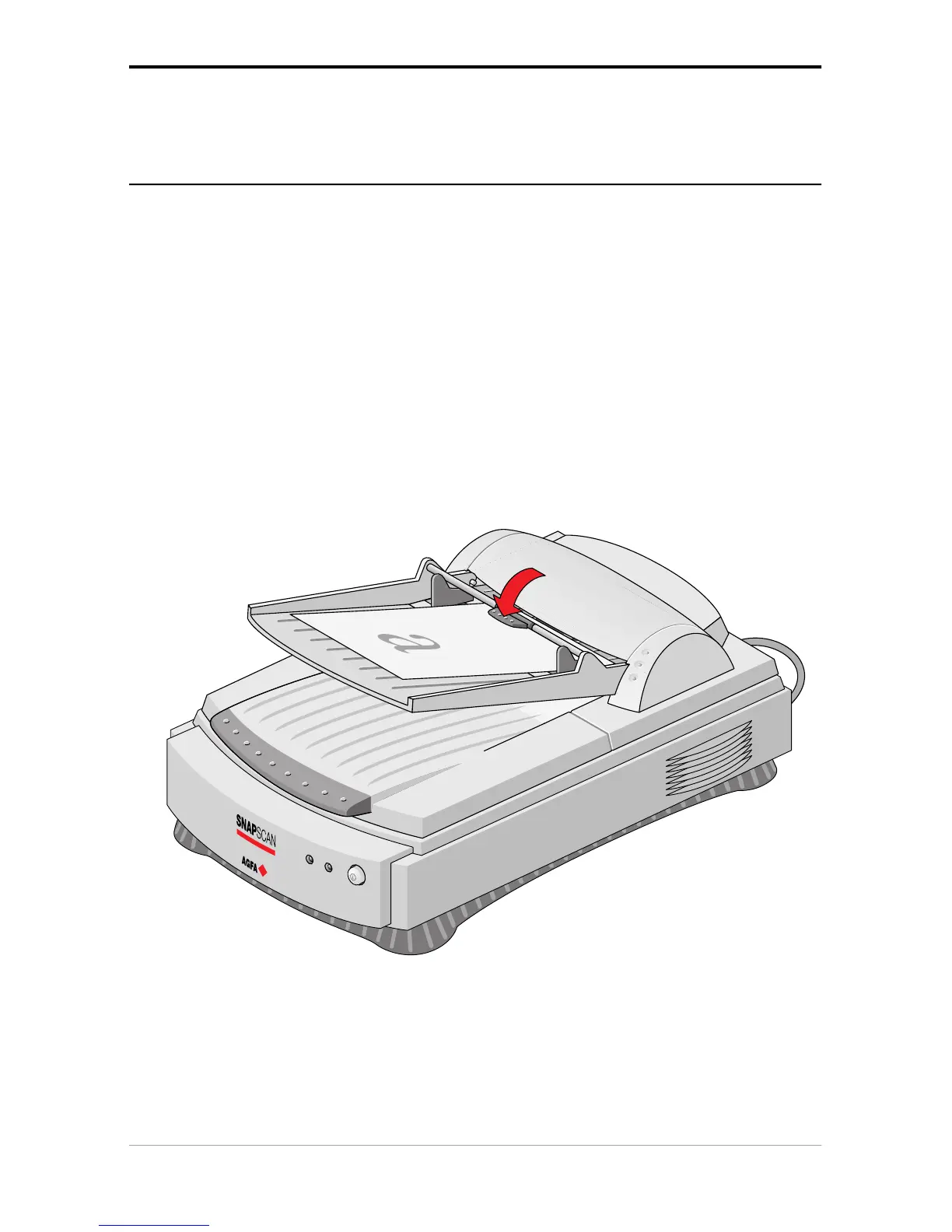
Paper loading
To load documents:
1. Push the rotating arm of the paper tray up.
2. Place the documents in the input tray with the side to be scanned facing up.
3. Push the rotating arm of the paper tray down.



 To Next Page