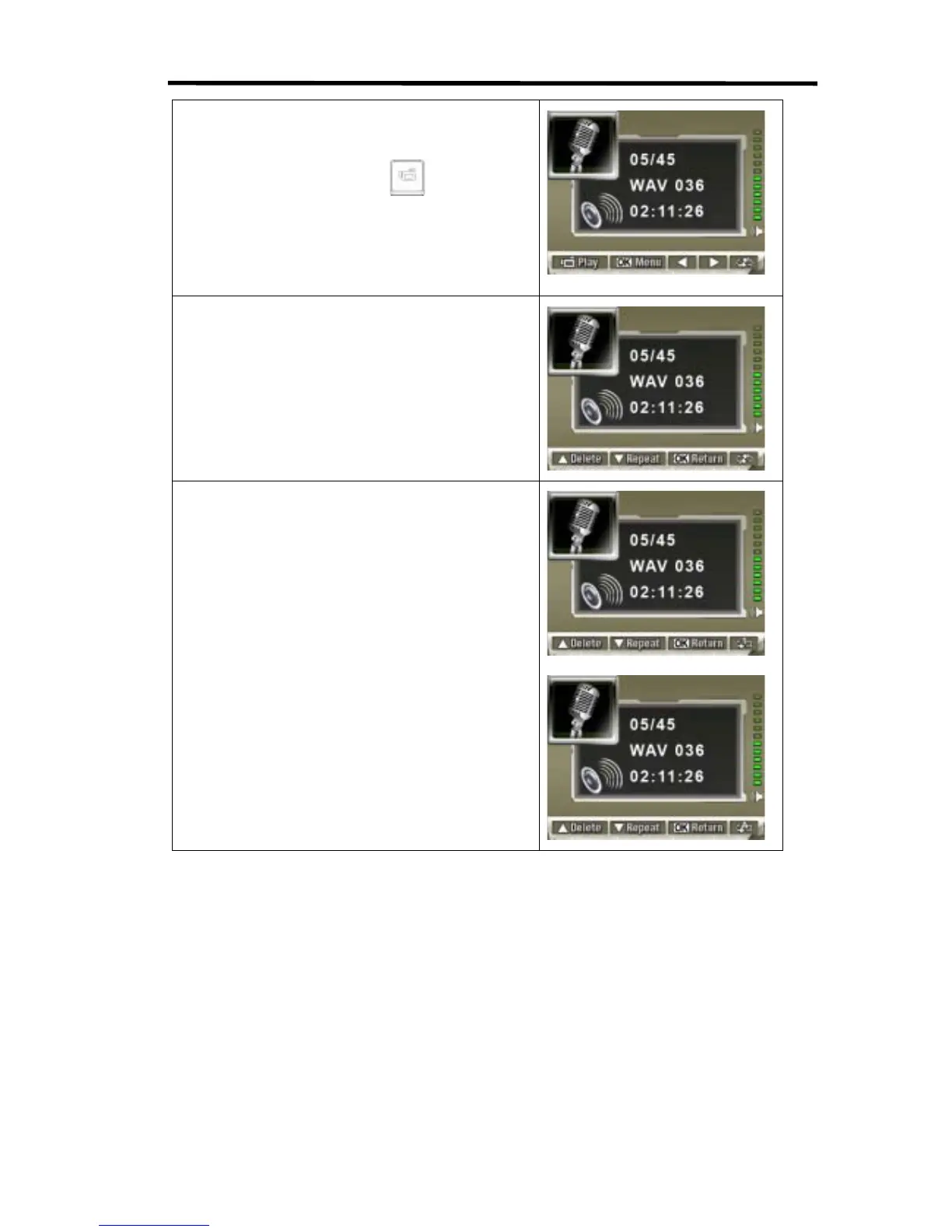
3. Use Right/Left Buttons to go to the next or last voice
recording.
4. Press Movie Shutter Button (
) to start playing
back the selected voice. Press it again to stop.
5. Use Up/Down Buttons to adjust the volume.
6. Press OK Button to go to the voice playback option
menu.
7. Use Up Button to select Delete option and Down
Button to select Repeat option.
8. Press Down Button once to repeat single voice;
Press twice to repeat all voice recording.
9. Press it again to disable the repeat function.
10. The repeat icons will be different while selecting
Repeat One option and Repeat All option.



 To Next Page