Make Slide Show
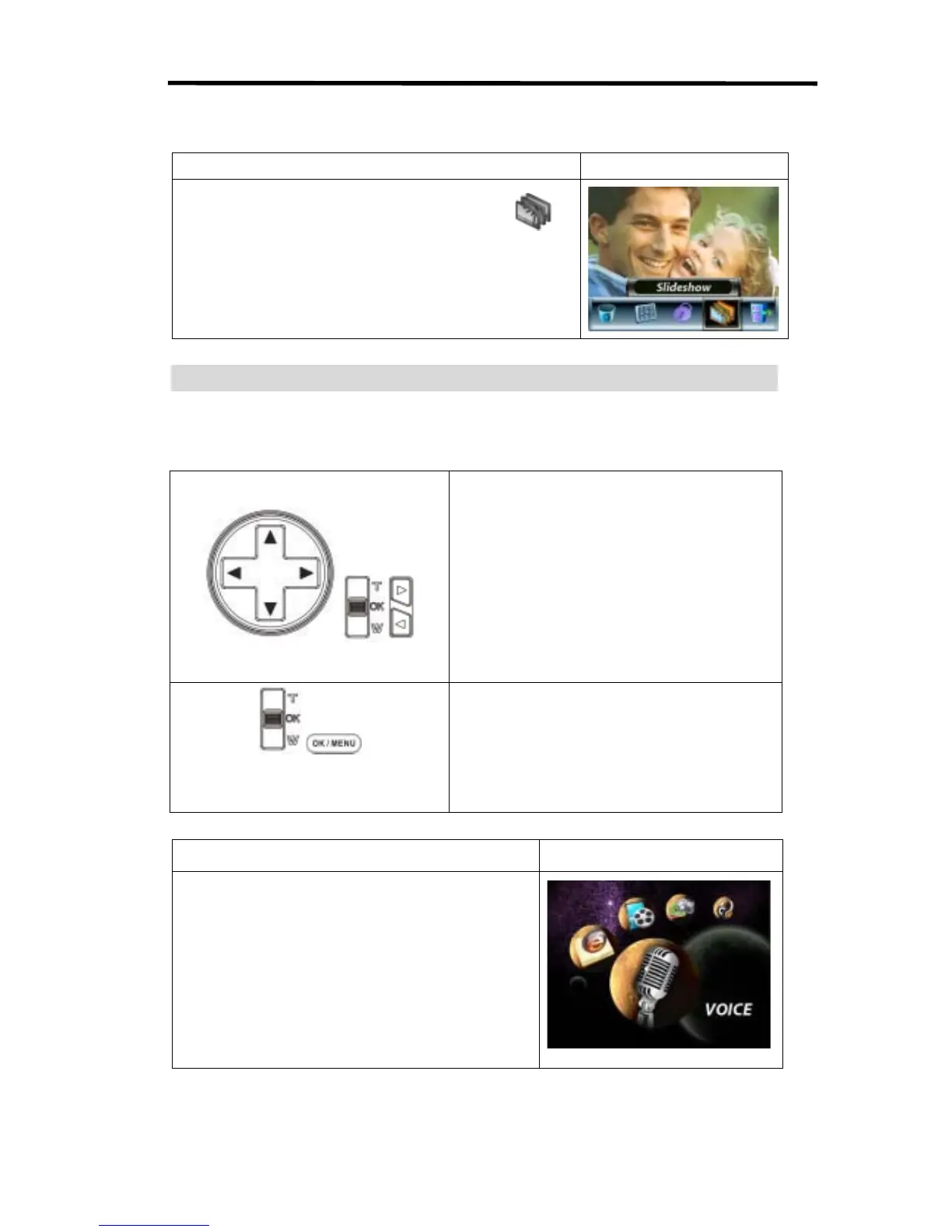
This function automatically repeats all pictures in order.
Operation Display Screen
1. Use Right/Left Buttons to select the Slide option ( ).
2. Press OK Button to start the slide show. Press it again to
stop.
Voice Playback
Direction Buttons Function
In Voice Playback Mode, the Direction Buttons have the following functions:
/
Right/ Left Buttons: Select the last or next voice.
Up/Down Buttons: Adjust the voice playback
volume.
/
OK Button: Switch to voice option menu.
Operation
Display Screen
1. Use Right/Left Buttons to select the Voice option.
2. Press OK Button to go to Voice Playback Mode.



 To Next Page