5
Listening to MP3 Music
MP3 Music
MP3 is a compressed audio file format. The MP3 music can be downloaded from some MP3
web sites. This DV includes the feature of MP3 play with lyrics display. To enable this function,
make sure both .mp3 and .lrc files with the same file name are copied to the memory.
Transfer MP3 Music to the camera
1. Install the camera driver on your computer.
2. Connect your camera to the computer USB port.
3. The Red LED will light when the camera is connected to the computer and in Mass Storage
Mode.
4. Transfer MP3 music to My Computer\Removable Disk\MP3.
5. Transfer .lrc file to My Computer\Removable Disk\MP3 if you have .lrc file
6. Once all the music is transferred, disconnect the USB cable from the PC.
Note
The file names of MP3 and lrc must be the same
for the correct lyrics display while MP3 is
playing.
Listen to MP3 Music
Operation Display Screen
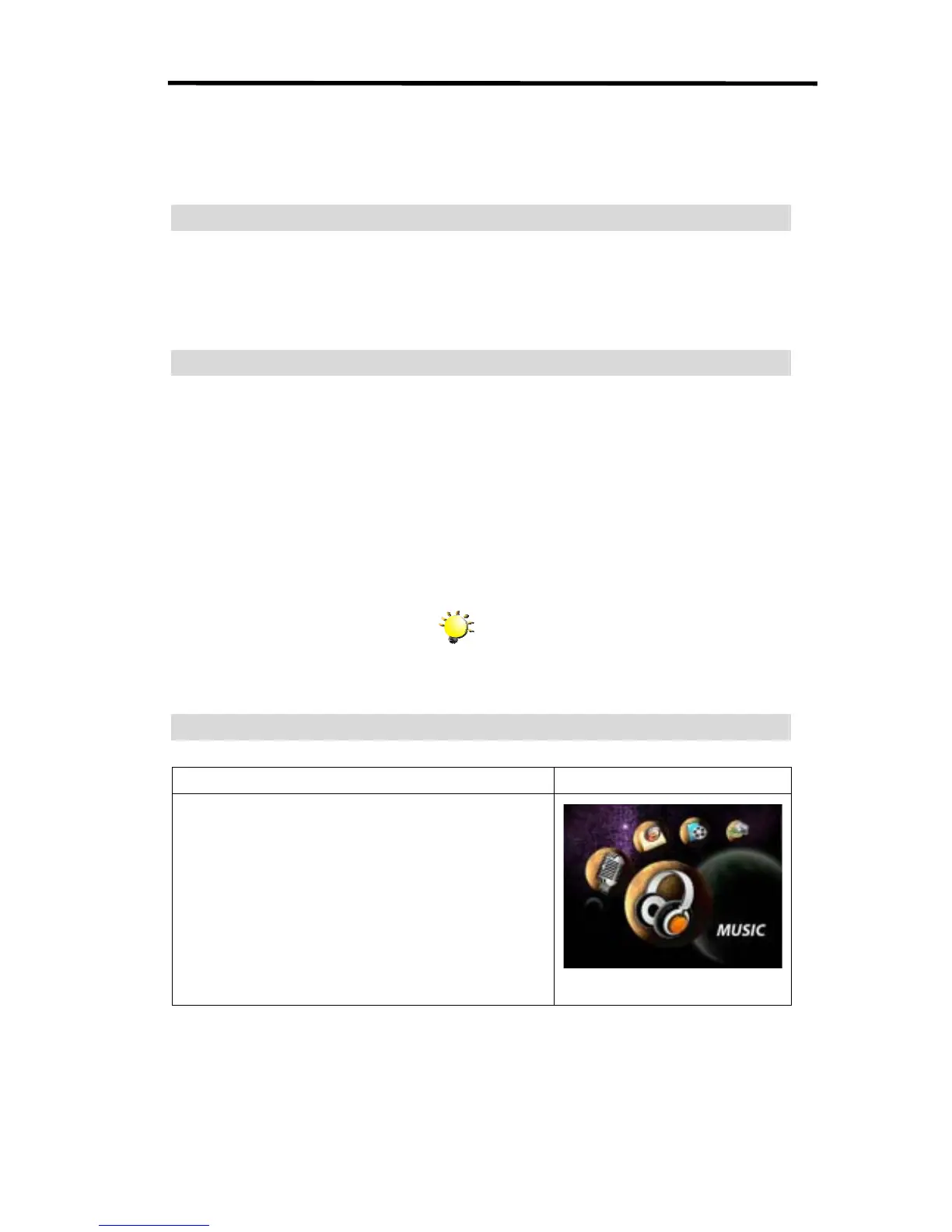
1. In Playback Mode, use Right/Left Buttons to select the
Music option



 To Next Page