ʳ
64
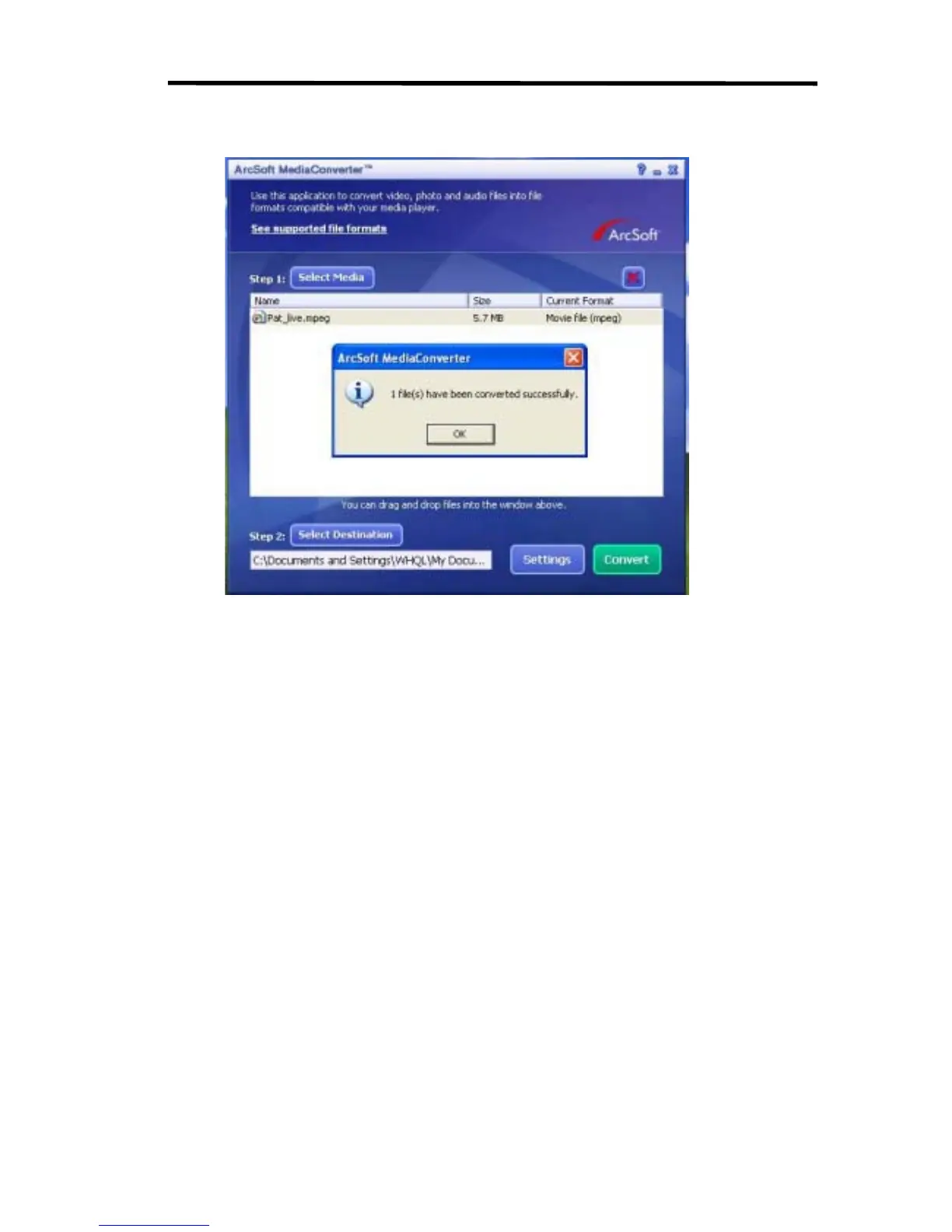
8. Task Report window will pop out after the task is completed.
9. Before transferring the converted file to your camera, rename the converted file to
“Clip0001.avi”. (Please note: if Clip0001.avi exists in the camera, then the converted file
has to be renamed to clip0002.avi)
10. Connect your camera to PC and transfer the converted video to “My
Computer\Removable Disk\DCIM\200Movie” in your camera.
11. After transferring the converted video to the camera, press RECORD/Play Æ REC/PLAY
Button to enjoy your favorite movie.



 To Next Page