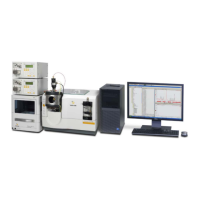
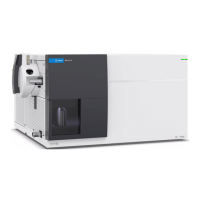
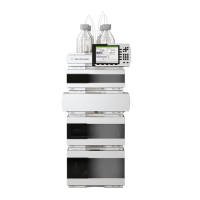
44 1260 Infinity II Binary LC System - Manual and Quick Guide
2
Configuration Settings
Lab Advisor
The Configuration - Add-ons screen contains a table listing all the Add-ons
that are already installed.
3 Click Install from .lax file.
A file selection dialog box is displayed to allow you to select the App or
Add-on to install.
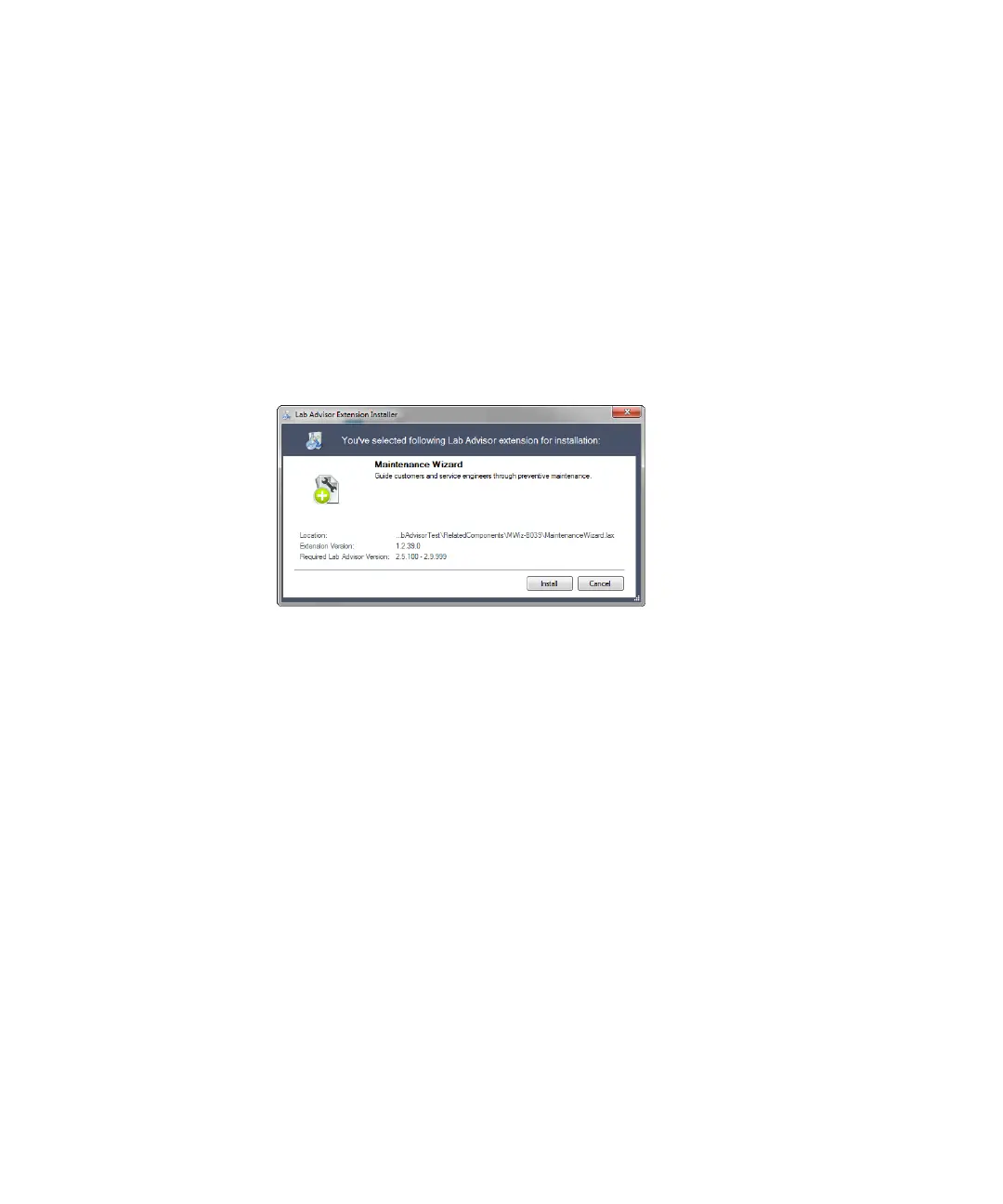
4 Navigate to the folder containing the Add-on files, select the .lax file and
click Open to install the Add-on.
5 Click Yes when the request to shut down Lab Advisor appears.
Lab Advisor shuts down and the Add-on installation is started.
When the installation is finished, the newly installed Add-on is included in
the table in the Configuration - Add-ons screen.


 To Next Page
 Loading...