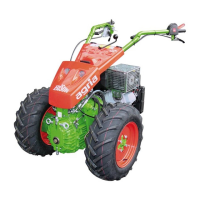
18 Power Hoe 1000
3. Machine and Operating Elements
3
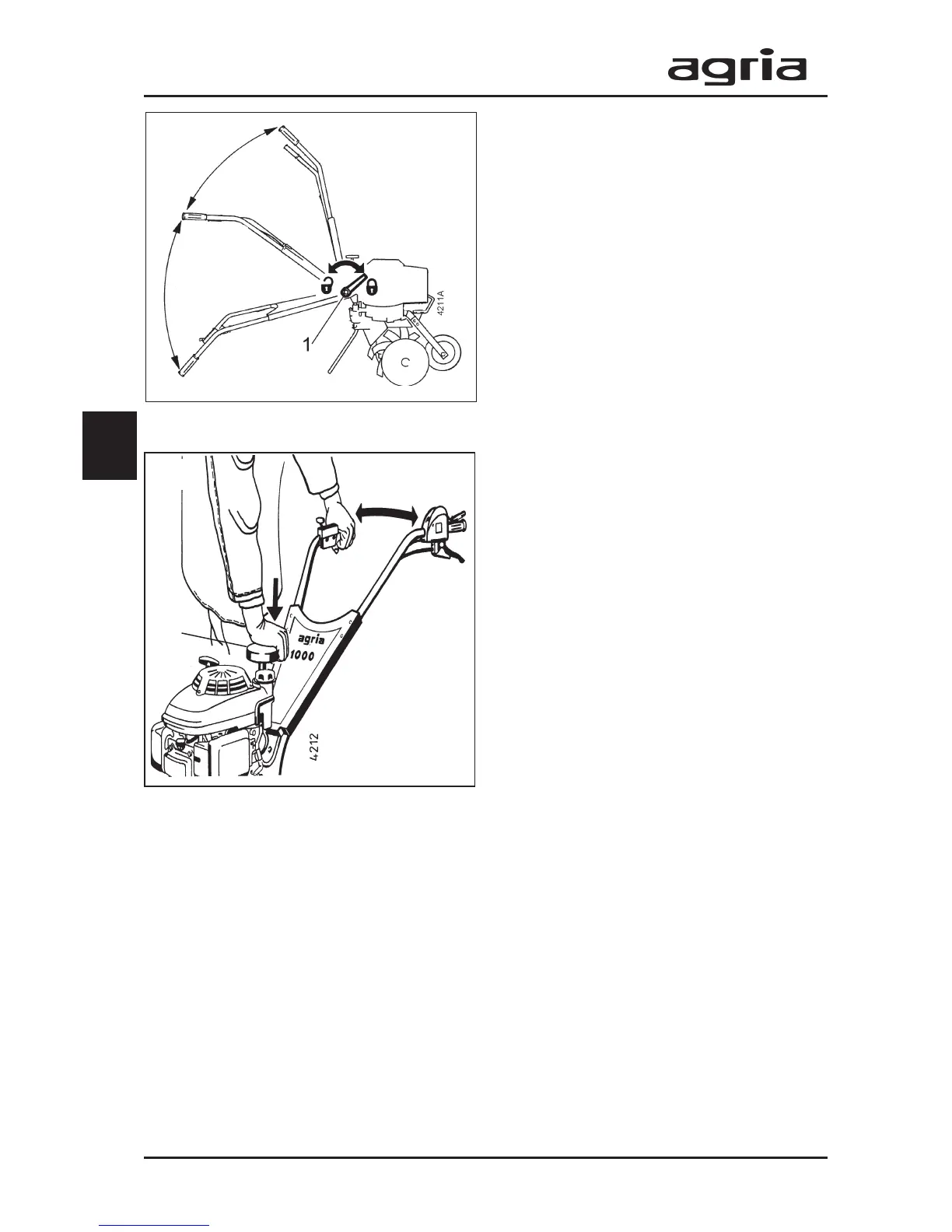
Height adjustment of the
steering handle
l
Loosen the clamping lever (1) in
counter-clockwise direction until the
teeth are disengaged.
l
Adjust the steering handle to the de-
sired height, re-match the gears (cen-
tre of tooth – centre of tooth space); then
re-tighten the clamping lever.
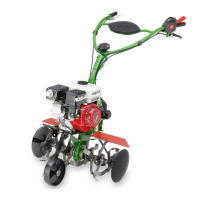
Side adjustment of the steering
handle
l
Push down the pressure plate (2) with
your right hand while slightly lifting the
steering handle (as shown in the figure);
then swing it to the left or right.
l
Release the pressure plate, slightly
move the steering handle to the left and
right until it locks into the toothing.
2



 To Next Page