1 Commissioning and Operation
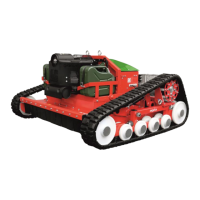
Remote-controlled track mower agria 9600
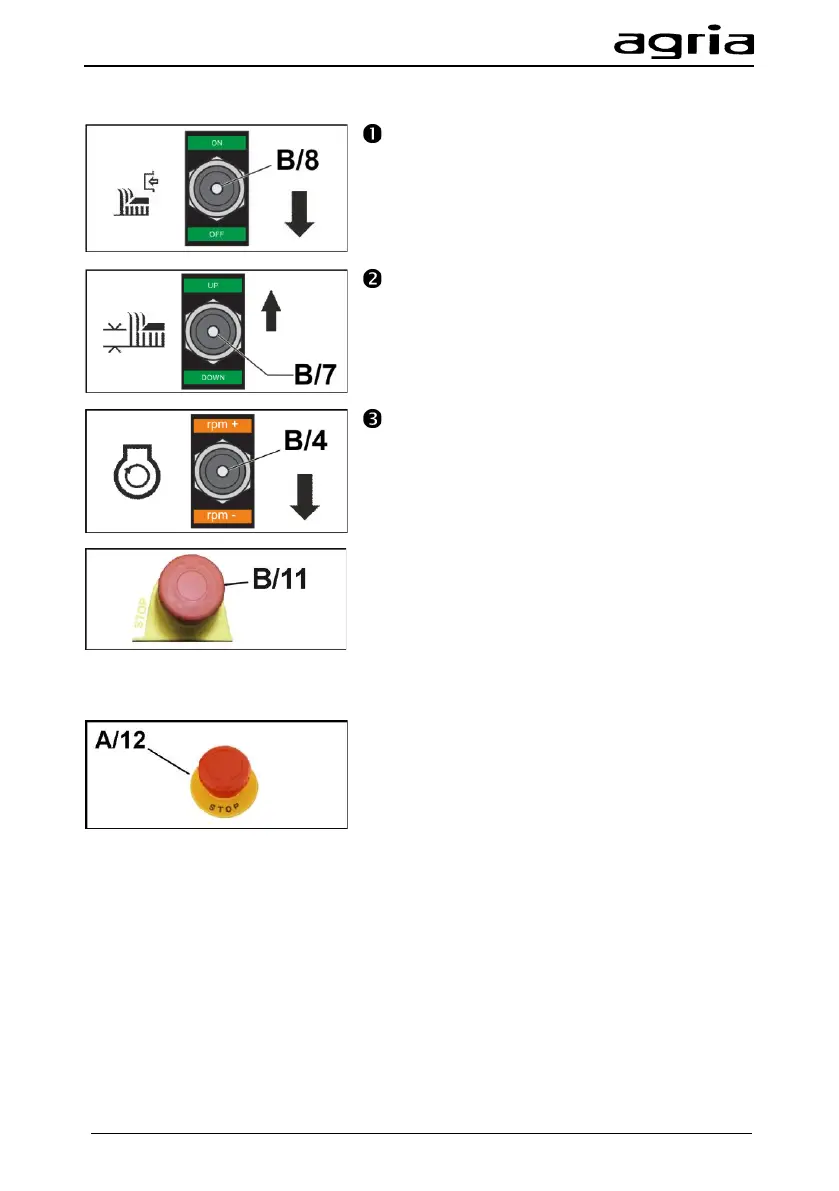
Switch off the mowing drive with the mowing
drive switch (B/8).
Raise the mowing deck completely with the
mowing deck switch (B/7).
Before switching off the engine, decrease the
engine to idle speed with the rpm switch (B/4).
Park the machine in a safe place.
The engine can be switched off either on the ma-
chine or with the remote control.
Switching off the engine with the remote con-
trol:
The remote control can be used to stop the en-
gine by pressing the EMERGENCY STOP switch
(B/11) or switching off the remote control with the
key switch (B/5).
Wait until the engine has stopped.
Switching off the engine on the machine:
Press the EMERGENCY OFF switch (A/12).
Wait until the engine has stopped.


 To Next Page