support@aibien.net
09
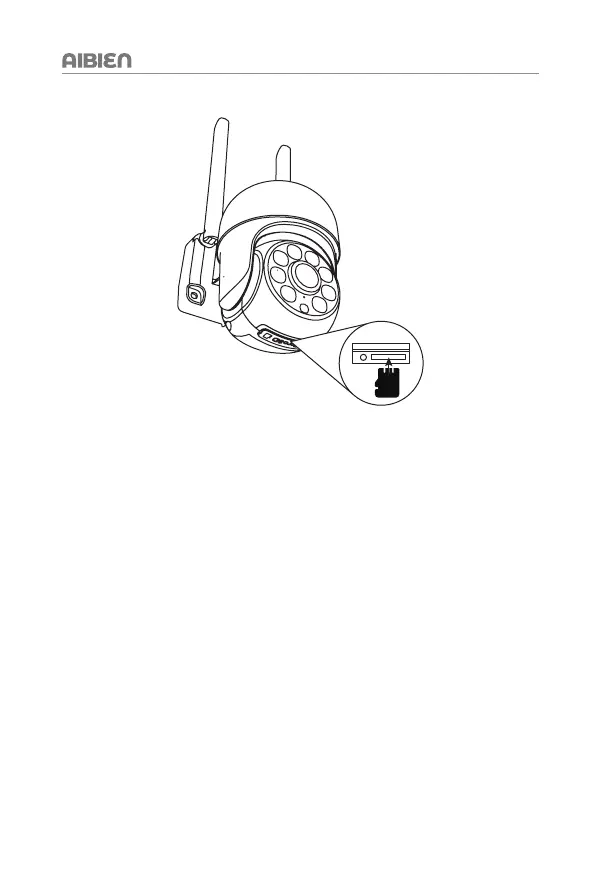
* Insert Micro SD Card (not included)
Tip: Video playback function requires a micro SD card inserted.
Open the bottom micro SD Card slot cover. Insert a micro SD card 8G, 16G and 32G
micro SD cards, the format must be FAT32.
64G, 128G micro SD cards, the format must be exFAT format.
Note: Please power off the camera when inserting the micro SD card.


 To Next Page