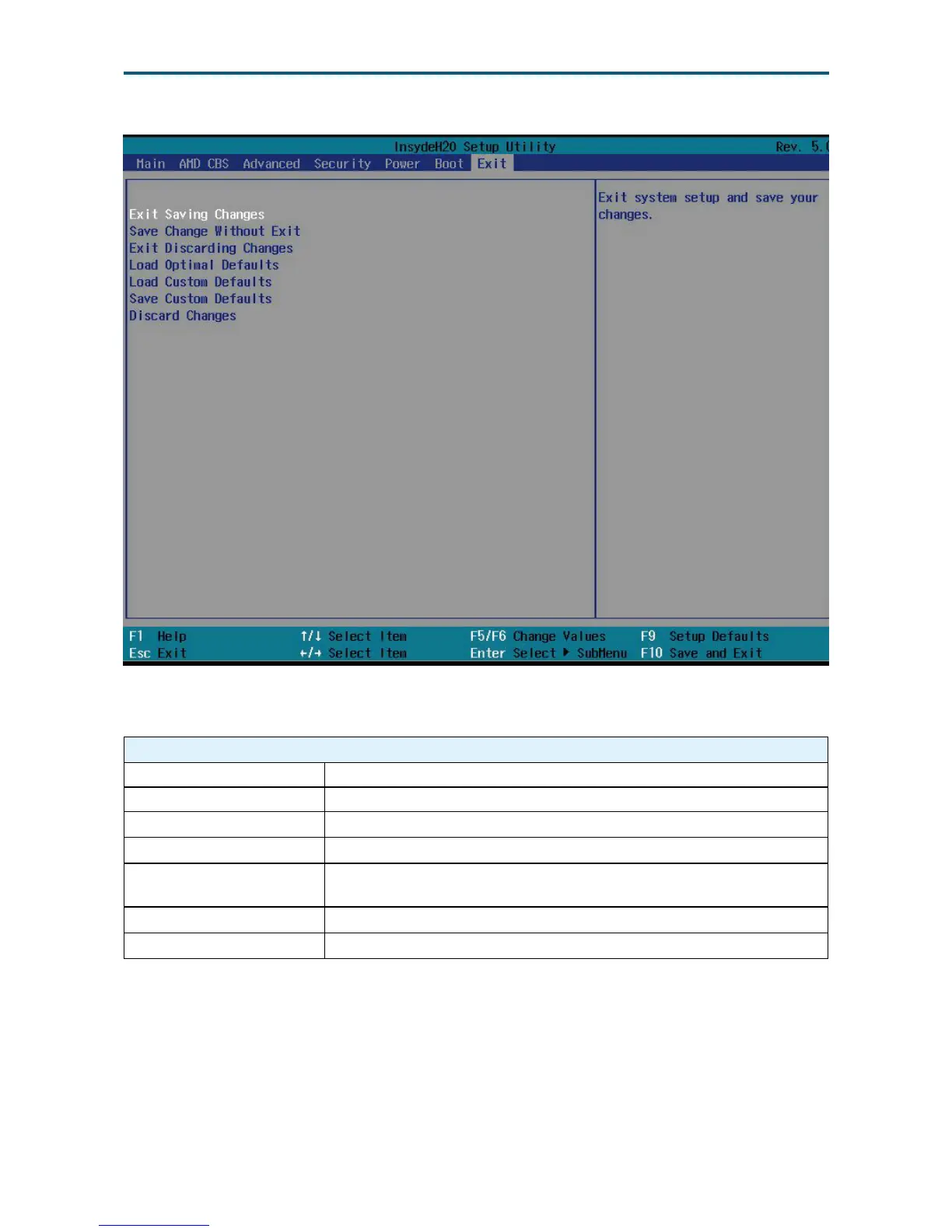
Exit Option Key:
Save and Exit
Exit Saving Changes Exit system setup and save your changes.
Save Change Without Exit Save your changes without exiting the system.
Exit Discarding Changes Discard your changes when existing the system.
Load Optimal Defaults Load
Load Custom Defaults
Resets the BIOS settings to the default values and overwrites any
previously customized settings.
Save Custom Defaults Saves the cumostomized defaults in BIOS settings.
Discard Changes Discard your changes.
4�9 Exit


 To Next Page