This chapter displays the conguration settings of IPMI BMC in your system device.
5�1 Login
NOTE
This feature works with the html5. Please use a browser that supports html5.
The IP address below is an example using the default IP setting. The IP address is
congurable.
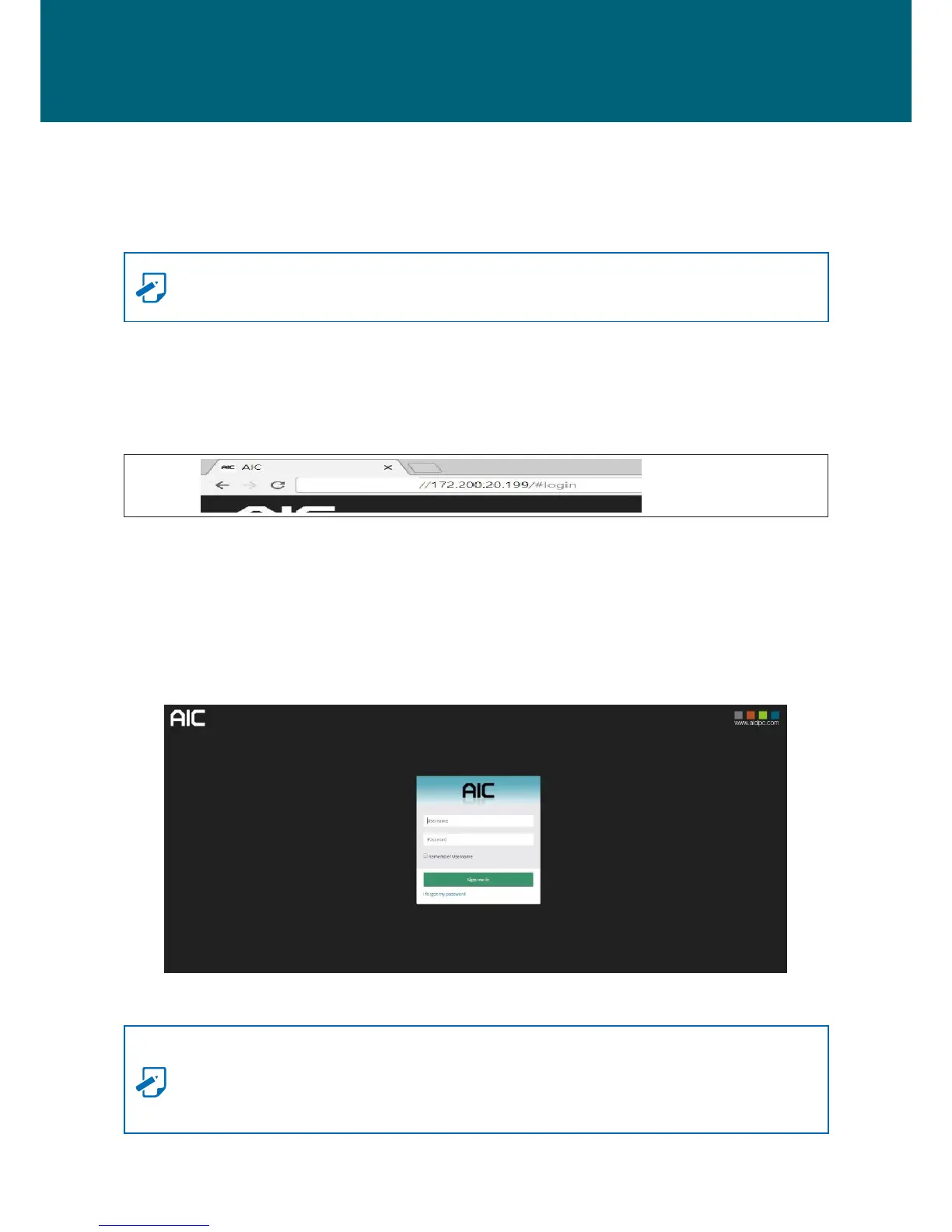
Step 1 Open the browser and then type in the default BMC IP address: 172.200.20.199.
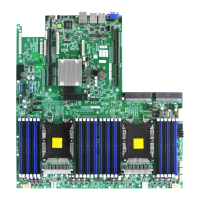
Step 2 Use the default user name and password for rst-time BMC WEB GUI login.
Field: Default
UserName: admin
Password: admin
NOTE
-The default user name and password are in lower-case characters.
-Users who login with the root user name and password will have full administrative
power. The root password can be changed after login.
Chapter 5. BMC Conguration Settings


 To Next Page