10
D ZOOM : ON, OFF
Digital Zoom and PIP function can be enabled from this menu.
• ZOOM CONTROL : RATIO, POSITION, RETURN
Adjust the digital zoom ratio and position.
Use LEFT / RIGHT button to adjust the ratio, then press select.
USE LEFT / RIGHT/ UP / DOWN button to adjust the image position, then press select.
Press select to exit.
• PIP : ON, OFF
Turn ON or OFF the PIP window.
• PIP SIZE : 1/16, 1/25
Change the size of PIP window.
• PIP POSITION : POSITION, RETURN
Adjust the PIP window location.
USE LEFT / RIGHT/ UP / DOWN button to adjust the image position,then press select.
Press select to exit.
• DEFAULT : Set privacy zone to default value.
SPECIAL
Camera special functions can be adjusted from SPECIAL menu.
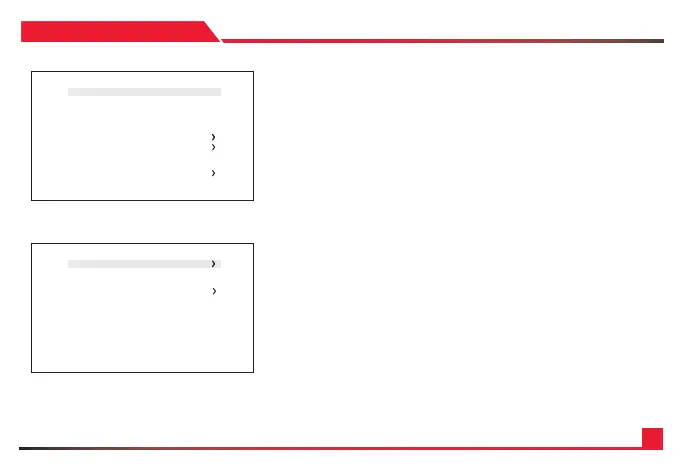
SPECIAL
*DZOOM OFF
DEFO G OFF
DIS OFF
BA CKLIGH T OFF
BINNING OFF
DEFECT PIX EL ON
DISP. FUNCTION
WDR OFF
FLICKER DETECT OFF
PRIVACY
HDMI MODE RGB444.709
RETURN
D-ZOOM
*ZOOM CONTROL
PIP OFF
PIP SIZE 1/16
PIP POSITION
DZOOM SAVE
DEF A U LT
RETURN


 To Next Page