11
DEFOG : ON, OFF, AUTO
“DEFOG” menu improves foggy image.
DWDR : ON, OFF
Wide Dynamic range can be adjusted from the sub menu.
MOTION DETECT : ON, OFF
Camera can detect a motion within the selected areas.
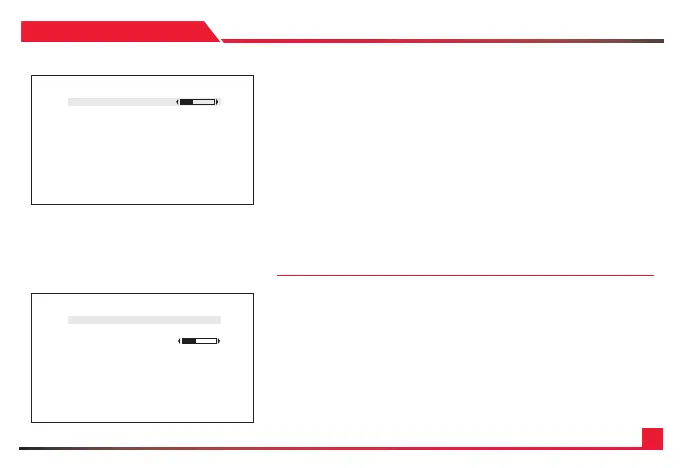
• STRENGTH : 0 ~ 16
Change defog strength.
• THRESHOLD : 0 ~ 3
Threshold value sets minimum sensitivity value for automatic defog control.
Higher value makes defog-on control reluctant.
• AUTO LEVEL : LOW, MID, HIGH
Auto level value sets maximum strength value for automatic defog control.
Higher value makes defog effect to be stronger.
BACK-LIGHT : OFF, BLC, HLM ( Camera back-light compensation can be adjusted )
BLC : OFF, ON ( BLC enables back light compensation)
• SIZE/POSITION : SIZE, POSITION, RETURN
Adjust BLC area window size.
• LEVEL : Back-light level compensation level can be adjusted from this menu.
Higher level will compensate more from the selected area.
• D ISPL AY : OFF, ON
BLC area display can be turned ON or OFF.
• DEFAULT : Set BLC menu to default value.
SPECIAL
DEFOG SETUP
*STRENGTH 4
THRESHOLD
AUTO LEVEL
RETURN
BACKLIGHT - BLC
*BLC ON
SIZE/POSITIO N
LEVEL 128
DISPLAY ON
DEFA ULT
RETURN


 To Next Page