Login to the system, go to the menu page, press to turn on or turn off the key
sound or prompt sound.
Login to the system, go to the menu page, press to confirm.
You can reset the system to manufacture default by using this function and all user IDs
will be removed after resetting.
Insert a key in the cylinder and rotate 180° counter-clockwise, push down the handle to
unlock and then rotate a key 180° clockwise to take out the key.
If the battery voltage is below 4.6V, when a user has opened the lock, a red light
will blink and the alarm will ring, reminding the user to change the batteries.
When power runs out, users can power up the system by connecting a power bank via
the included USB cable.
If you can’t login the system, the system can be reset to the factory default by pressing
the reset button. To reset the system, press the reset button until you hear a long beep.
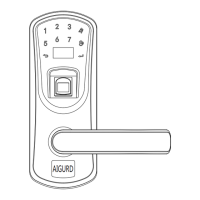
The reset button is located on the outside handle.
Note: You can contact our after-sales service for the programming video.


 To Next Page