38
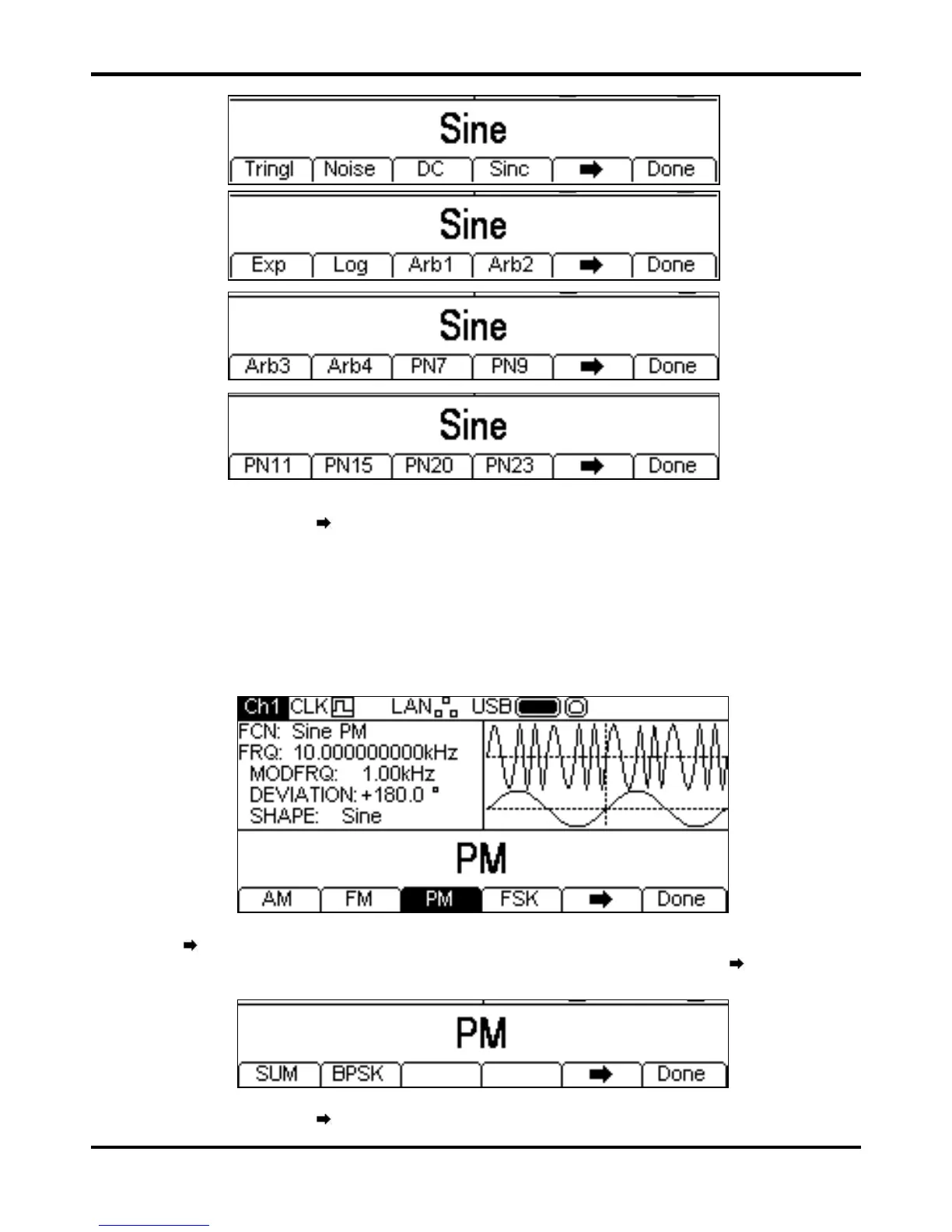
One more press of the
soft-key will show the first list again. Select the modulation shape
required by pressing the appropriate key then press the
Done soft-key to return to the top level
modulation menu.
All the parameters for FM are now set.
PM
To select PM press the MOD key to turn on modulation and then press the Type soft key to show
the display below.
The
soft-key indicates that there are too many options to show all at once so press this key to
show more. In this case there is one more list of types which will show when the
soft-key is
pressed.
One more press of the
soft-key will show the first list again.


 To Next Page