48
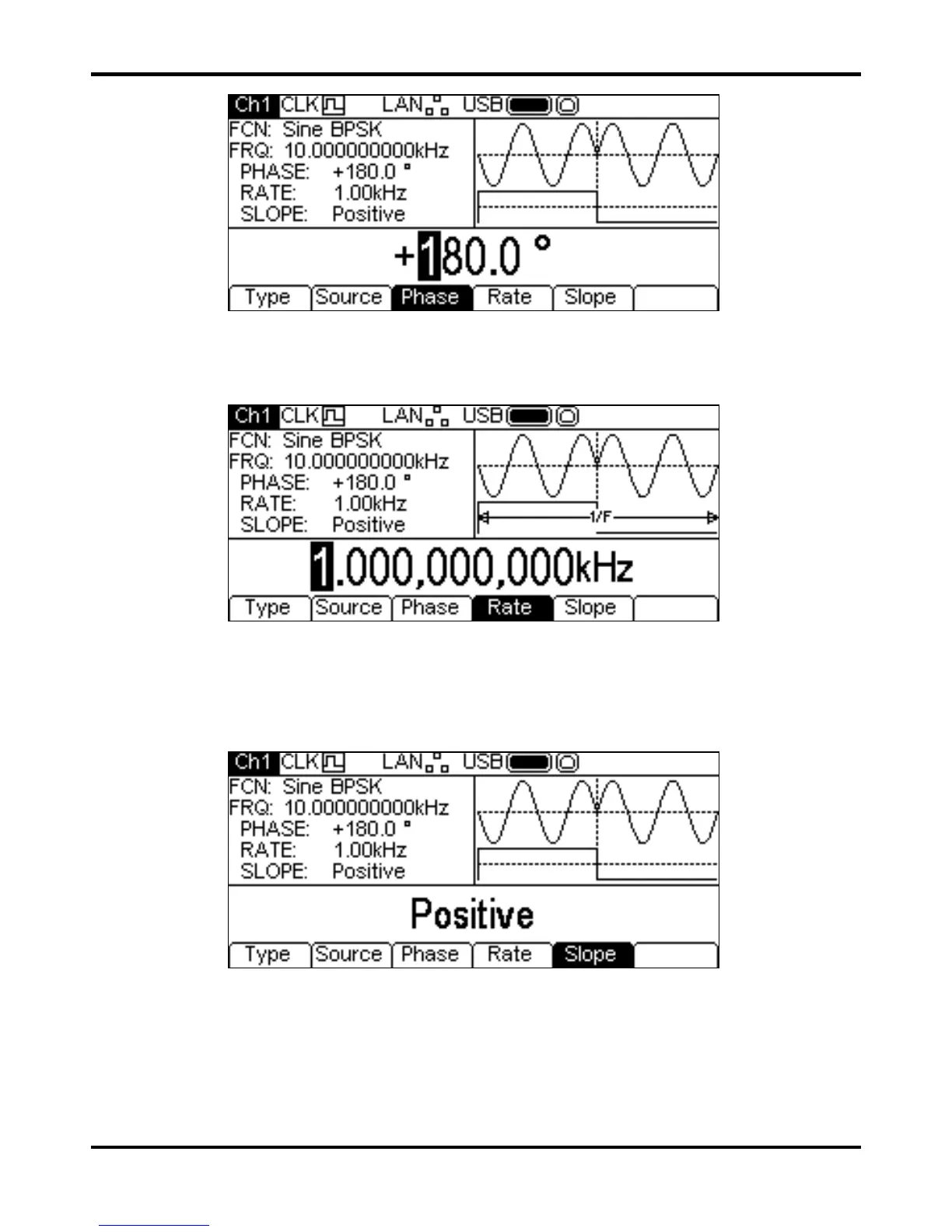
The deviation may be changed in either of the ways detailed in General: Numeric Editing.
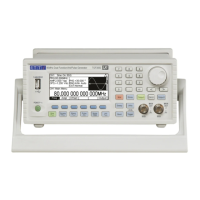
To set the switching rate press the
Rate soft-key. The rate parameter will appear in the Edit Box
and the modulating waveform in the Graph Box will show that the switching rate is being edited.
The rate may be changed in either of the ways detailed in General: Numeric Editing.
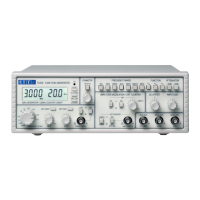
To set which level of the switching signal will output the BSPK phase press the
Slope soft-key.
The currently selected slope will appear in the Edit Box.
The options are
Positive or Negative. Setting positive will cause BSPK to generate the
BSPK Phase while the switching signal is high and the carrier phase while the switching signal is
low. Setting negative will cause BPSK to generate the BPSK phase while the switching signal is low
and the carrier phase while the switching signal is high.
All the parameters for BSPK are now set.


 To Next Page