26
How to use
Operations while placing a call, in communication, and
paging
3
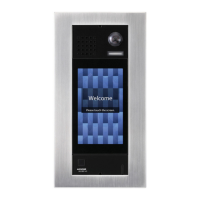
Release the door using access control credentials (cards, tabs, tags, mobile) (IXG-
DM7-HID only)
Door release can be activated by passing an access control credential.
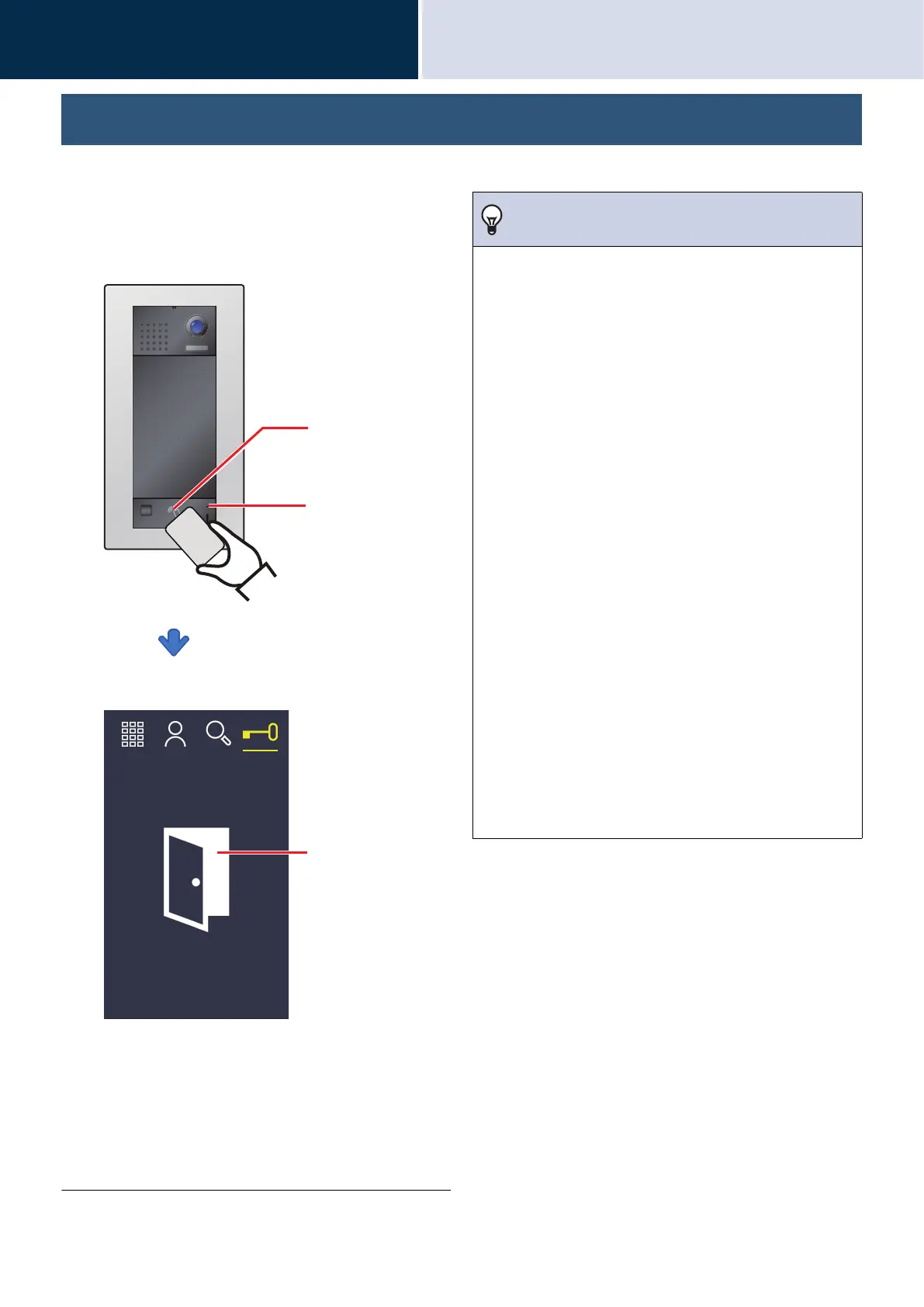
1. Hold the access control credential
over the reader.
The door is unlocked
• The unlock tone or audio guidance may play
when the door is released.
• The door released icon will be displayed for
approximately 3 seconds.
• If the proximity key is authenticated, the Card
reader indicator will turn ON (green) for
approximately 3 seconds.
Card reader
Card reader
indicator
Door released icon
Note
• The door release duration varies depending on the access
control system settings. The door released icon will be
displayed for approximately 3 seconds regardless of the
set duration.
• The door released icon may not be displayed.
• Access control credentials are registered on the access
control system. Refer to the manual of the access control
system for details.
• The following cards are compatible.
Card types
High Frequency (13.56 MHz)
– HID iCLASS
– SEOS
– HID iCLASS SR
– HID iCLASS SE
– HID MIFARE Classic
– HID Mifare DES Fire EV1
Low Frequency (125 kHz)
– HID Proximity
Card format
– H10301 (26-bit Wiegand Format)
• The following Bluetooth Interface is compatible.
Bluetooth Interface (2.44GHz)
– Mobile phones compatible with Bluetooth Smart
(smartphones)





 To Next Page