This function enables you to assign another gateway to your PC, when DHCP server
offers an IP to your PC.
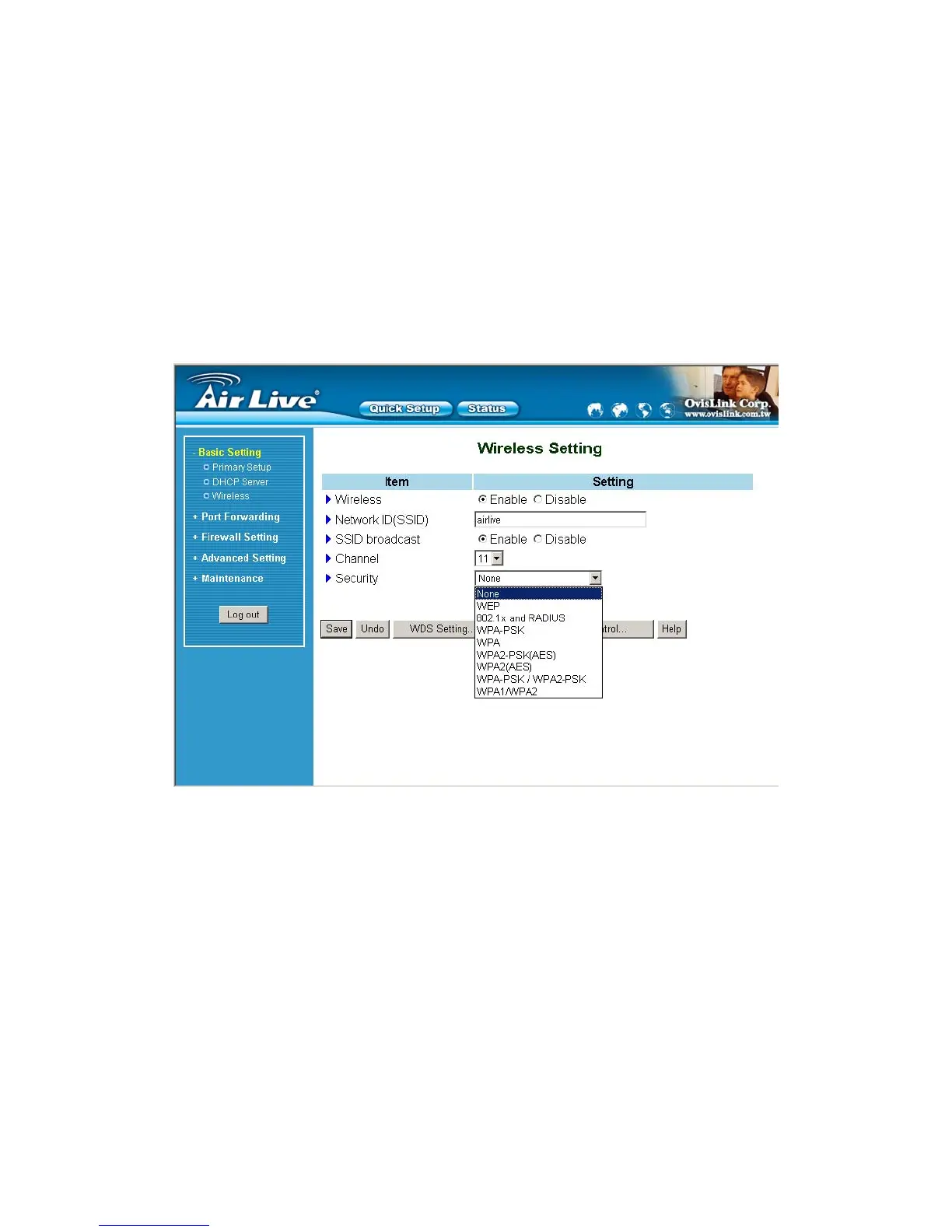
4.4.3 Wireless Setting, 802.1X setting and WDS
Wireless settings allow you to set the wireless configuration items.
1. Wireless : The user can enable or disalbe wireless function.
2. Network ID (SSID): Network ID is used for identifying the Wireless LAN (WLAN). Client stations can
roam freely over this product and other Access Points that have the same Network ID. (The factory setting is
“default”)
3. Channel: The radio channel number. The permissible channels depend on the Regulatory Domain.
The factory setting is as follow: channel 6 for North America; channel 7 for European (ETSI); channel 7
for Japan.
4. WEP Security: Select the data privacy algorithm you want. Enabling the security can protect your data
while it is transferred from one station to another. The standardized IEEE 802.11 WEP (128 or 64-bit) is
used here.
AirLive WT-200R User’s Manual
22



 To Next Page