5. WEP Key 1, 2, 3 & 4: When you enable the 128 or 64 bit WEP key security, please select one WEP key to
be used and input 26 or 10 hexadecimal (0, 1, 2…8, 9, A, B…F) digits.
6. Pass-phrase Generator: Since hexadecimal characters are not easily
remembered, this device offers a conversion utility to convert a simple
word or phrase into hex.
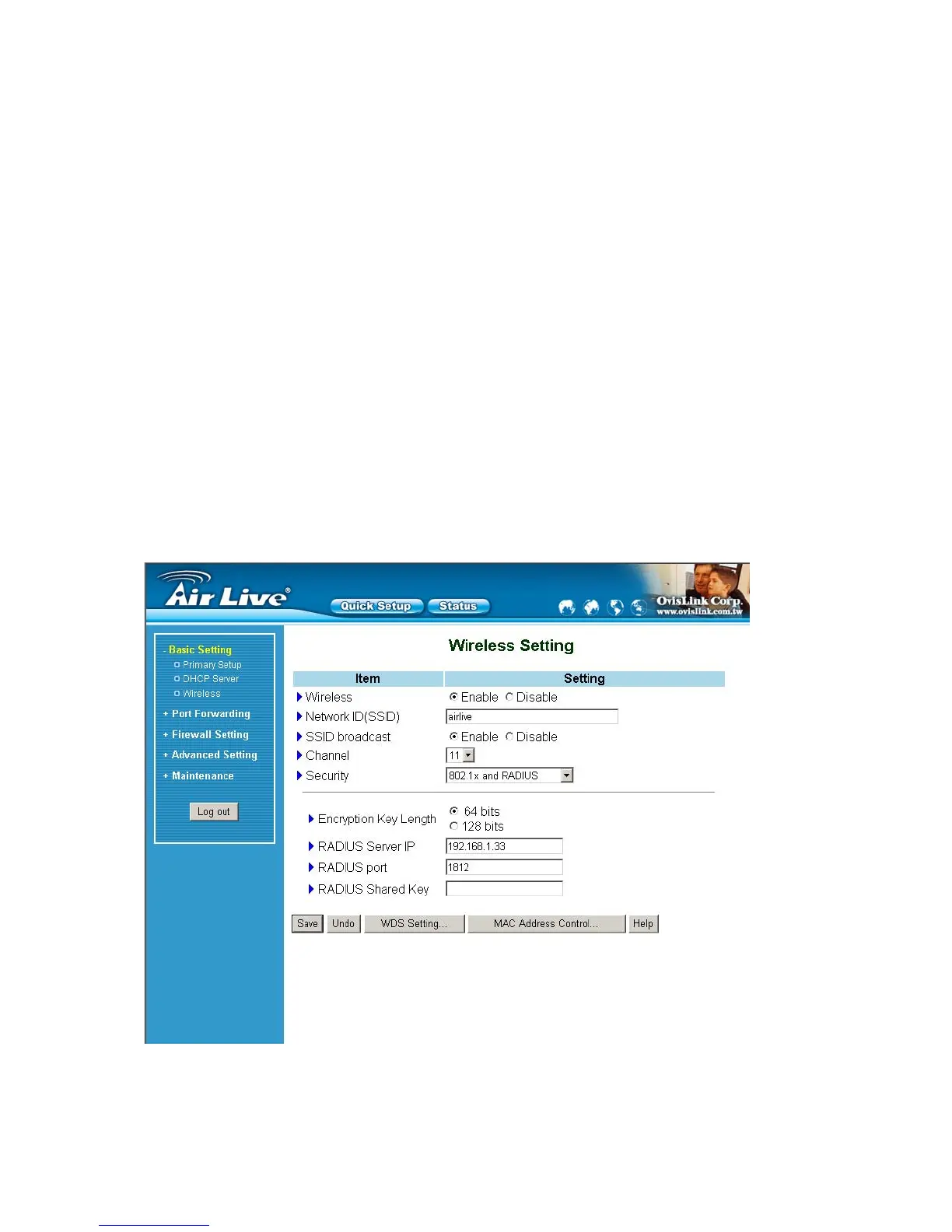
6. 802.1X Setting
802.1X
Check Box was used to switch the function of the 802.1X. When the 802.1X function is enabled, the Wireless
user must authenticate to this router first to use the Network service.
RADIUS Server
IP address or the 802.1X server’s domain-name.
RADIUS Shared Key
Key value shared by the RADIUS server and this router. This key value is consistent with the key value in the
RADIUS server.
WPA-PSK
1. Select Encryntion and Preshare Key Mode
AirLive WT-200R User’s Manual
23



 To Next Page