13
6200 Digital Broadcast Delay
Loading a Program
Use this process to load a program you have previously saved.
1. Press briefly the LOAD 1/SAVE 1 button once. The screen will read
“LoadMonoPgm1?”andthenameoftheprogramcurrentlystoredin
this location will readout on the line below. NOTE: If the program in the
selected memory location is a stereo program, the text will read “Load
Stereo Pgm 1?” instead.
2. Turn the ADJUST knob to locate the program location (1-256) you
wish to load.
3. NowbrieypresstheLOAD 1/SAVE 1 button again.
4. The screen should briefly display “Loading...” and then return to the
home screen.
NOTE: The above steps assume you are working with Channel 1. To
load a program onto Channel 2, perform the above steps using the
LOAD 2/SAVE 2 button instead.
Copying Programs
To copy a program from one location to another, perform the steps
listed above for loading a program, followed immediately by the steps
for saving a program.
Naming a Program
Program names are modified in the Channel 1/2 menus under the
“ProgramName”submenu.SeeAppendixBforitslocation.Ifyou
rename the currently loaded program, don’t forget to resave it to retain
your new name.
External Program Recall
ProgramsmayberecalledexternallyusinganAirToolsRC-1MIDI
controllerorauser-built9-pininterfaceonthePROGRAMCONTROL
port.Additionally,anygenericMIDIcontrollerwhichcansendMIDI
Program Change messages will work.
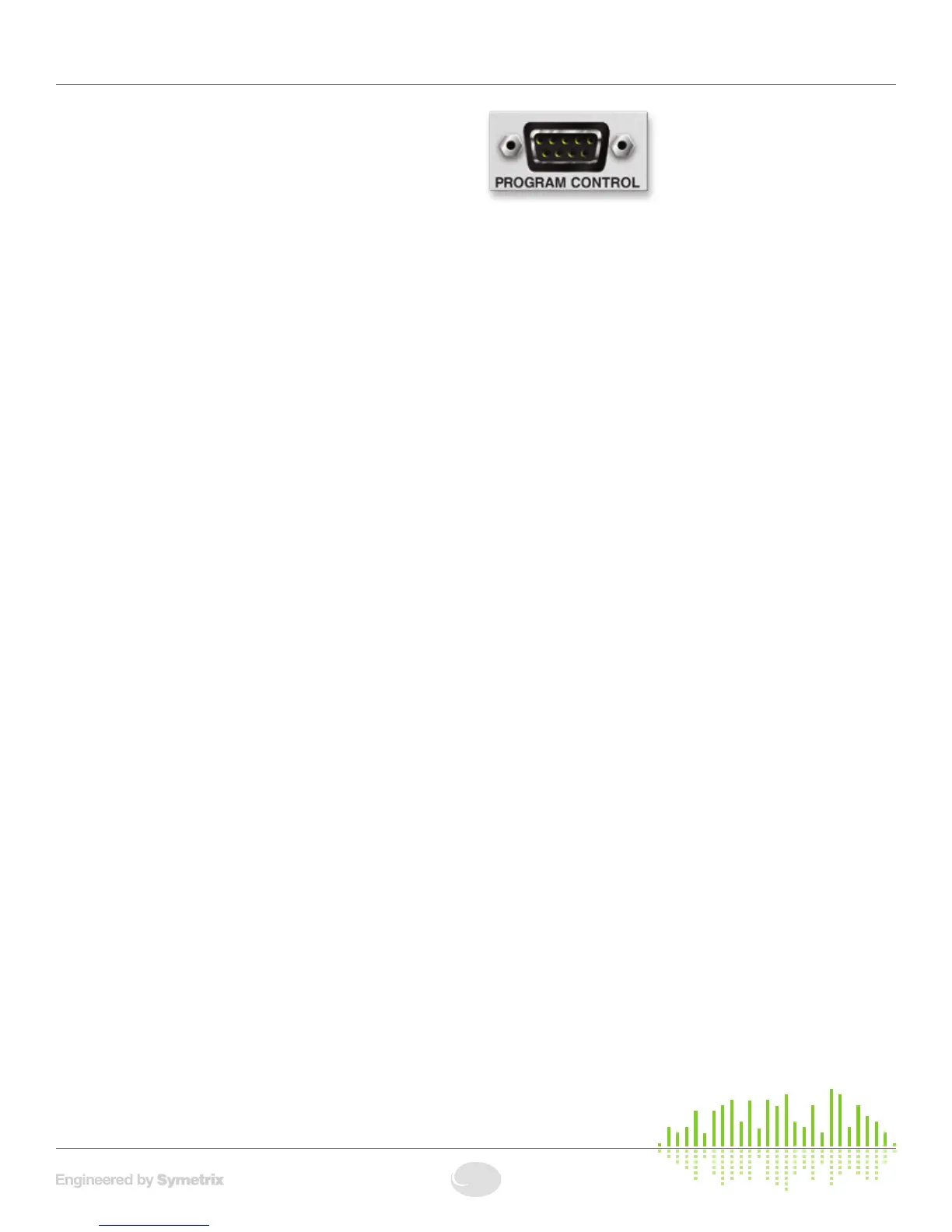
PROGRAM CONTROL:
ThePROGRAMCONTROLportisastandard9-pinD-subconnector
which allows program loading on each channel using standard contact
closures.InterfacingwiththePROGRAMCONTROLportallowsthe
user to integrate the 6200 into a purpose-built work surface.
PROGRAM CONTROL Pinout:
Function Pin #
Channel 1 Program Scroll Up 1
Channel 1 Program Scroll Down 2
ProgramLoad 3
Channel 2 Program Scroll Up 4
Channel 2 Program Scroll Down 5
Channel1Mute 6
Channel2Mute 7
Reserved 8
Ground 9
MIDI/RC-1 IN:
The6200respondstoMIDIProgramChangemessagesfromthe
AirToolsRC-1RemoteorfromanyMIDIdevicecapableofsending
MIDIProgramChangemessages.TheRC-1allowsdirectrecallofupto
11 programs as well as the ability to enable/disable the DSP BYPASS
function.
Basic Setup


 To Next Page