HA5-Plus Mini-Converter v1.8 17 www.aja.com
Installed
This field shows the version of the firmware currently installed inside the Mini-
Converter.
Desired
This field shows the version of firmware embedded in the Mini-Config application
which you can install into the Mini-Converter by clicking the Update button.
Update
This button initiates a software update operation loading the “Desired” version of
firmware into the Mini-Converter’s non-volatile memory.
Progress
This indicator bar shows the progress of firmware installation.
See "Acquiring Mini-Config" on page 7 and "Installing Mini-Config" on page 7
for more information.
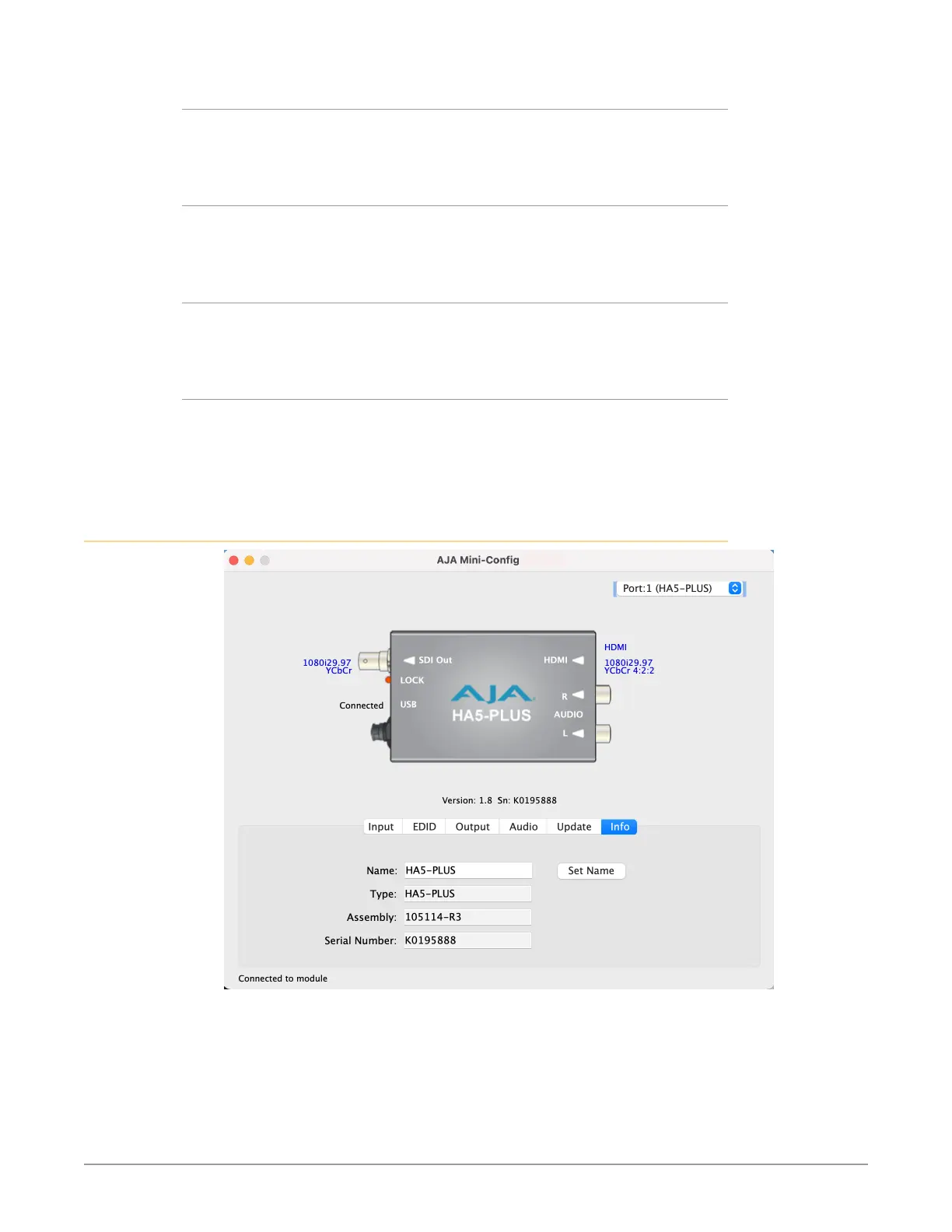
Info Tab Screen
This screen provides basic information about the Mini-Converter. This information
is mostly useful when calling AJA Support for service or technical support.



 To Next Page