KUMO Quick Start Guide v4.2 8 www.aja.com
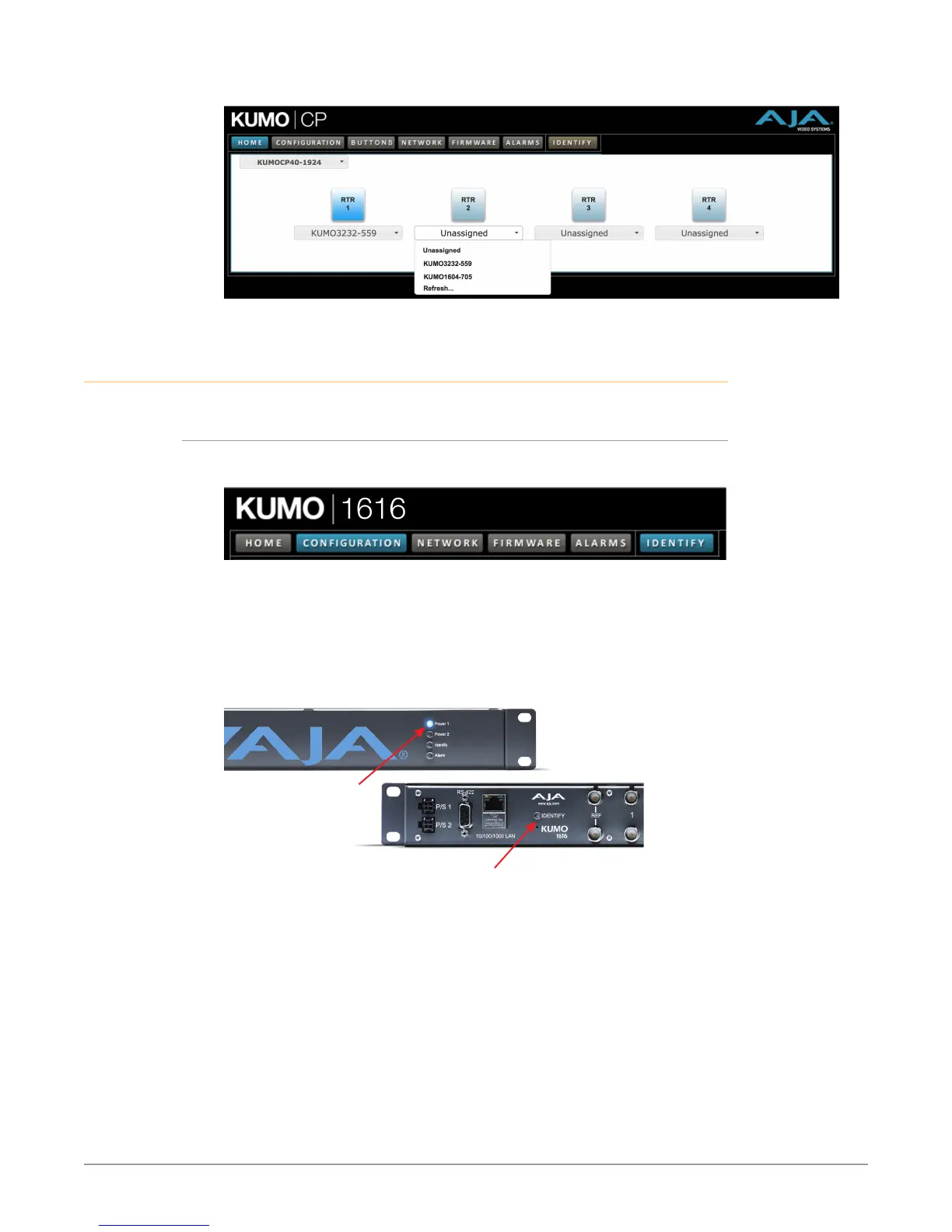
Figure 8. KUMO Control Panel Router Button Assignment
Locating a Specific KUMO Device on the Network
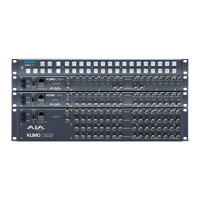
Identify Button
Click on the web UI Identify button to find the physical location of the currently
controlled KUMO router or panel.
The web browser button will alternate between blue and gray background color
in Identify mode. Click again to turn the Identify function off.
• On a KUMO router, the Identify LEDs on the front and back will ash, enabling
quick physical location of the router in a populated rack of equipment.
• On a KUMO CP, the Source and Destination button rows will ash alternately.
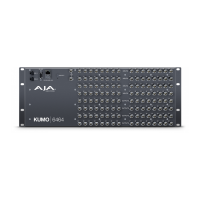
Figure 9. KUMO Router Identify LEDs.
Identify LED
(Front Panel)
Identify LED
(Rear Panel)


 To Previous Page