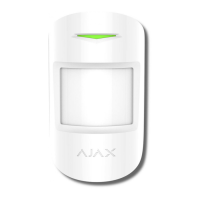
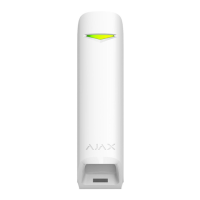
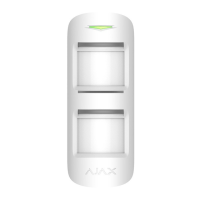
Detector name, can be edited
Selecting the virtual room to which the device is assigned
Selecting delay time when entering
Selecting delay time on exit
Delay turned on when using night mode
If active, the detector will switch to armed mode when using
night mode
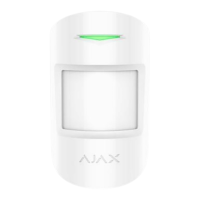
Choosing the sensitivity level of the motion sensor.
For Motion Protect:
• High — for premises with a minimum amount of obstacles,
motion is detected as quickly as possible
• Medium — for premises with potential obstacles (windows, air
conditioner, heating element, etc.)
• Low — ignore pets weighing up to 20 kg and up to 50 cm tall
•
If active, the detector always registers motion
Alert with a siren if motion detected
If active, Home Siren and Street Siren are activated when the
motion detected
Jeweller Signal Strength Test
Switches the detector to the signal strength test mode
Switches the detector to the detection area test
Switches the detector to the signal attenuation test mode
(available in detectors with firmware version 3.50 and later)
Disconnects the detector from the hub and deletes its settings


 To Next Page