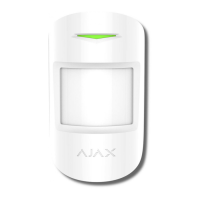
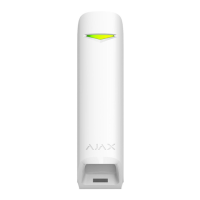
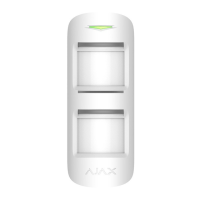
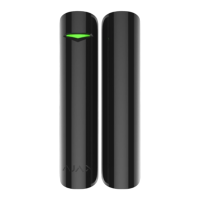
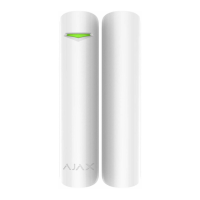
Before using the detector as a part of the security system, set up the
suitable sensitivity level.
Switch the Always Active if the detector is located in a room requiring 24-
hour control. Regardless of whether the system is set in the armed mode,
you will receive notices of any detected motion.
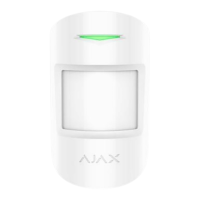
If any motion is detected, the detector activates the LED for 1 second and
transmits an alarm signal to the hub and then to the user and central
monitoring station (if it is connected).
Detector operation indication
Lights up green for about one
second
Detector connection to
the hub, ocBridge and ua
rtBridge
Lights up continuously for a few
seconds
Alarm / tamper activation
Lights up green for about one
second
Alarm is sent once in 5 seconds
During the alarm, slowly lights up
and goes off green
Replacement of the detector battery is
described in the Battery
Replacement manual
Detector Testing
The Ajax security system allows conducting tests for checking the
functionality of connected devices.
The tests do not start immediately but within a period of 36 seconds when
using the standard settings. The time of the start depends on the settings of
the detector polling period (the paragraph on Jeweller settings in the hub
settings).


 To Next Page