EasyManua.ls Logo

Akai ASB70I - User Manual

Akai ASB70I
44 pages
Print Icon
To Next Page IconTo Next Page
Loading...
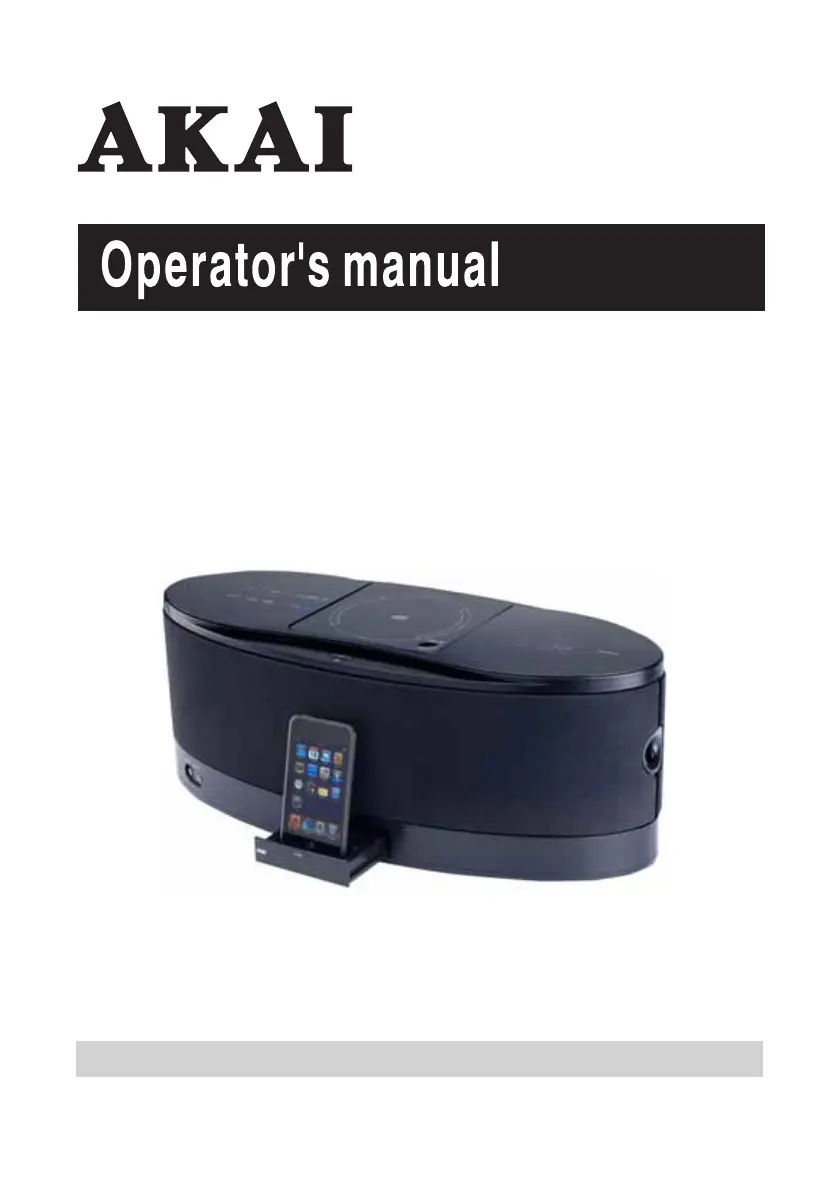
CD Music Station with Universal
Dock for iPod
Gebruikershandleiding- Manuel d'utilisation-Manual de Instrucciones

Questions and Answers

  • S
    Sarah BarkerAug 6, 2025
    What to do if there is no sound on MW or FM on my Akai Docking Station?
    • R
      rangeldouglasAug 6, 2025
      If you're not getting any sound on MW or FM, first, make sure the function is set to Tuner by pressing the TUNER button. Also, check that the volume isn't set to minimum and increase it if necessary.
  • D
    danielloriAug 10, 2025
    Why won't my USB play on my Akai Docking Station?
    • M
      Michael JohnsonAug 10, 2025
      If your USB device won't play, ensure the function is set to USB by pressing the FUNCTION button. Also, verify that the USB device is correctly inserted into the slot. Note that playback using every USB device cannot be guaranteed, so try another USB device if the issue persists.
  • N
    Nicholas BrownAug 14, 2025
    What to do if my Akai Docking Station CD Player will not play?
    • H
      hmaldonadoAug 14, 2025
      If the CD player won't play, first ensure the function is set to CD by pressing the FUNCTION button. Also, check that the CD is inserted correctly with the label side up.
  • M
    Mrs. Christine CooperAug 19, 2025
    How to fix noise or distorted sound on FM/MW broadcasts with Akai Docking Station?
    • T
      Theresa CollinsAug 19, 2025
      If you're experiencing noise or distorted sound on FM or MW broadcasts, try these steps: * Retune the FM or MW broadcast station. * Extend the FM wire aerial for better reception. * Reposition the loop aerial to obtain the best possible reception.
  • A
    Allison SanchezAug 23, 2025
    Why does my Akai Docking Station CD skip while playing?
    • M
      Michael MooneyAug 23, 2025
      If the CD skips while playing, the disc may be dirty or scratched. Try wiping the disc with a cloth or using another disc.
  • S
    Susan JenkinsAug 28, 2025
    Why doesn't the FM STEREO indicator light up on my Akai Docking Station?
    • S
      smithmelissaAug 28, 2025
      The FM STEREO indicator might not light up because the FM station is broadcasting in mono or the station signal is weak. Try extending the FM aerial or tuning into other strong stations.
  • E
    emmanelsonSep 1, 2025
    Why doesn't the iPod volume control increase audio volume on my Akai Docking Station?
    • S
      Scott BakerSep 1, 2025
      The iPod volume control only adjusts the volume output to the headphone jack. Use the unit volume control for volume control when the iPod is docked on the unit.

Summary

Important Safety Instructions

Precautions for Unit

Unit Security and Placement

Safety measures for unit operation, handling, and positioning.

Preparation for Use

Unpacking, Setup, and Power

Steps for unpacking, setting up, and connecting the power source.

Location of Controls and Indicator

Remote Control

Operating Instructions

Radio Operation and Reception

Detailed radio tuning, reception tips, and preset station memory.

CD Operation

CD Playback Basics

Instructions for normal CD playback, pause, and track skipping.

Playing MP3 & Windows Media Formatted Audio

MP3;WMA CD Reading and Playback

Information on reading MP3/WMA discs and basic playback.

USB Operation

Playing Audio Files from USB Devices

How to play MP3/WMA audio files from USB storage devices.

iPod Operation

iPod Dock Adapter Guide

Information on choosing and using the correct iPod dock adapters.

Playing and Charging Your iPod

How to play music, charge, and control your iPod when docked.

Special Functions

Troubleshooting Guide

Technical Specification

Akai ASB70I Specifications

General IconGeneral
BrandAkai
ModelASB70I
CategoryDocking Station
LanguageEnglish

Related product manuals