SETTINGS DESCRIPTION
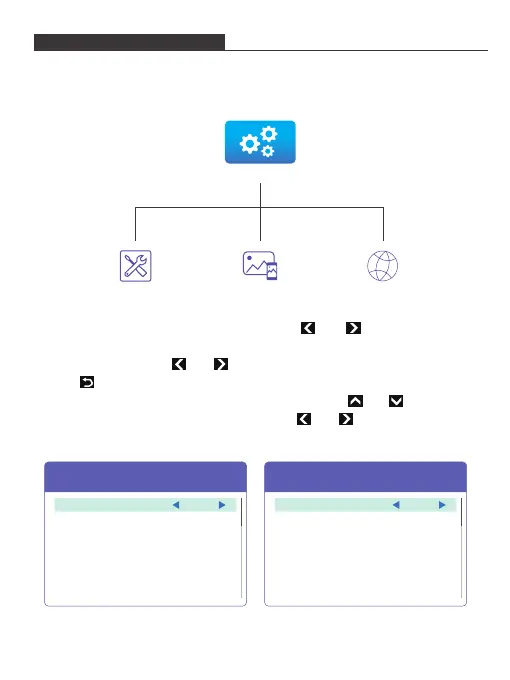
1. Select and click Settings icon in the main projector interface.
2. Select and click Management/Image/Network icon in the Settings interface to
enter the Management/Image/Network interface.
3. In the Management/Image interface, press the and button to cycle
through Function options and press the OK Button to select desired Function
option. Then press the and button to choose the Specification option.
Press button to return to the Management/Image interface.
(If you use the remote control, you can simply press the and button to
cycle through Function options; and press the and button to choose the
Specification option)
Management Interface Image Interface
Media
Management Image Network
Front
Desktop
On
0
Projection Mode
Projection Location
Auto v Keystone
V. Keystone
Image
Brightness 6
Enter
Enter
HT20180710V1
USB
Set time
Volume
Firmware Version
Firmware Upgrade
Management
Language English
10


 To Next Page