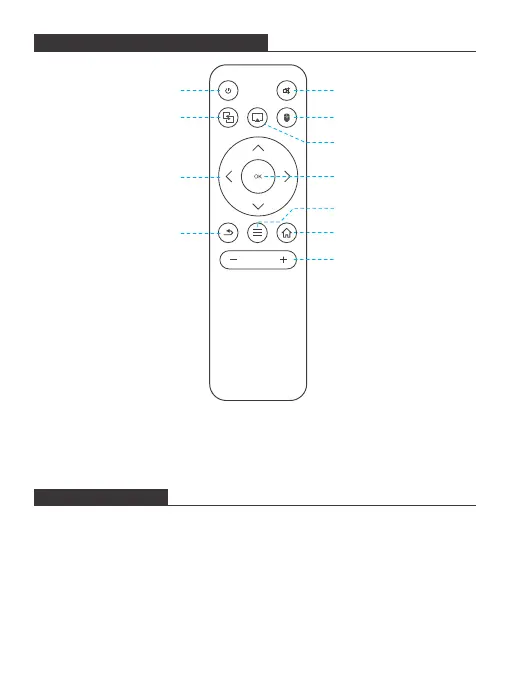
INFRARED REMOTE CONTROL
POWER ON/OFF
Note:
When using the IR remote control, you should aim at the projector rather
than screen.
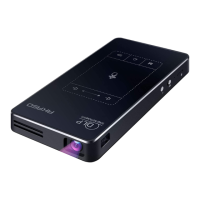
1. Pull the power button to the left and hold it for about four seconds until the
green indicator on the projector bottom is lit up, then the projector starts to
work.
2. Turn the power button to the left again and hold it for about two seconds to
shut down the projector.
3. Turn the power button to the right to lock the button, then the projector can be
used as a power bank.
OK
Return
Menu
Vol +/-
Directions
Home
EZCast Operation
No Function
HDMI Operation
On/Off Mute
2


 To Next Page