EZCAST: SCREEN-SHARING VIA WIRELESS CONNECTION
Air Play Wireless Connection:
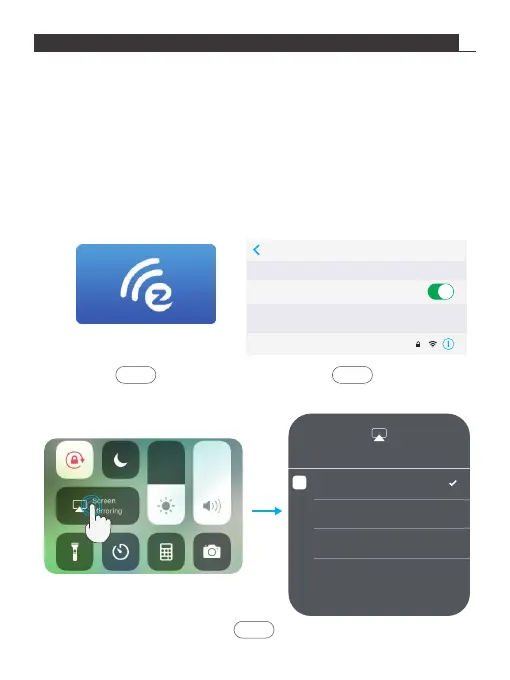
1. Select and click EZCast icon in the main projector interface.
2. Connect iOS device with the Wifi hotspot “AKASO_FOCUS_ ******” provided by
EZCast interface, the password is “87654321”.
3. Open Air Play (Screen Mirroing) in the settings of the iOS device, select projector
ID “AKASO_FOCUS_ ******” in Air Play list, then wait a moment, the screen
content on the iPhone will be displayed on the projector screen.
(If iOS device and projector are already connected with the same Wifi, there is
no need to connect with the hotspot provided by the EZCast interface)
EZCast
Settings Wi-Fi
Wi-Fi
AKASO_FOCUS-781C01081
CHOOSE A NETWORK...
Screen Mirroing
Stop Mirroring
AKASO_FOCUS-781C01081
TV
Step 2Step 1
Step 3
6


 To Next Page