36
設定の説明
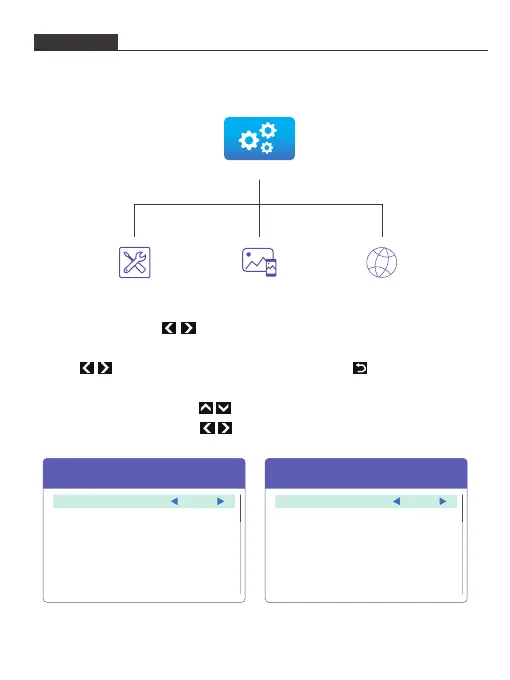
1. プロジェクターのメイン画面で「設定」アイコンを選択してクリックします。
2. 設定画面の「管理/イメージ/ネットワーク」アイコンを選択してクリックし、次の画面に
入ります。
3. 管理/イメージ画面で、ボタンを押して機能オプションを循環チェックします。
OKボタンを押して、目的の機能オプションを選択します。
次に、ボタンを押して、仕様オプションを選択します。ボタンを押して、
管理/イメージ画面に戻ります。
(リモコンを使用する場合は、ボタンを押すだけで、機能オプションを循環に
ブラウズすることができます。 ボタンを押して仕様オプションを選択します。)
Management Interface Image Interface
Media
Management Image Network
Front
Desktop
On
0
Projection Mode
Projection Location
Auto v Keystone
V. Keystone
Image
Brightness 6
Enter
Enter
HT20180710V1
USB
Set time
Volume
Firmware Version
Firmware Upgrade
Management
Language English


 To Next Page