SPX+ Introduction Manual - updated until firmware 4997
- 19 -
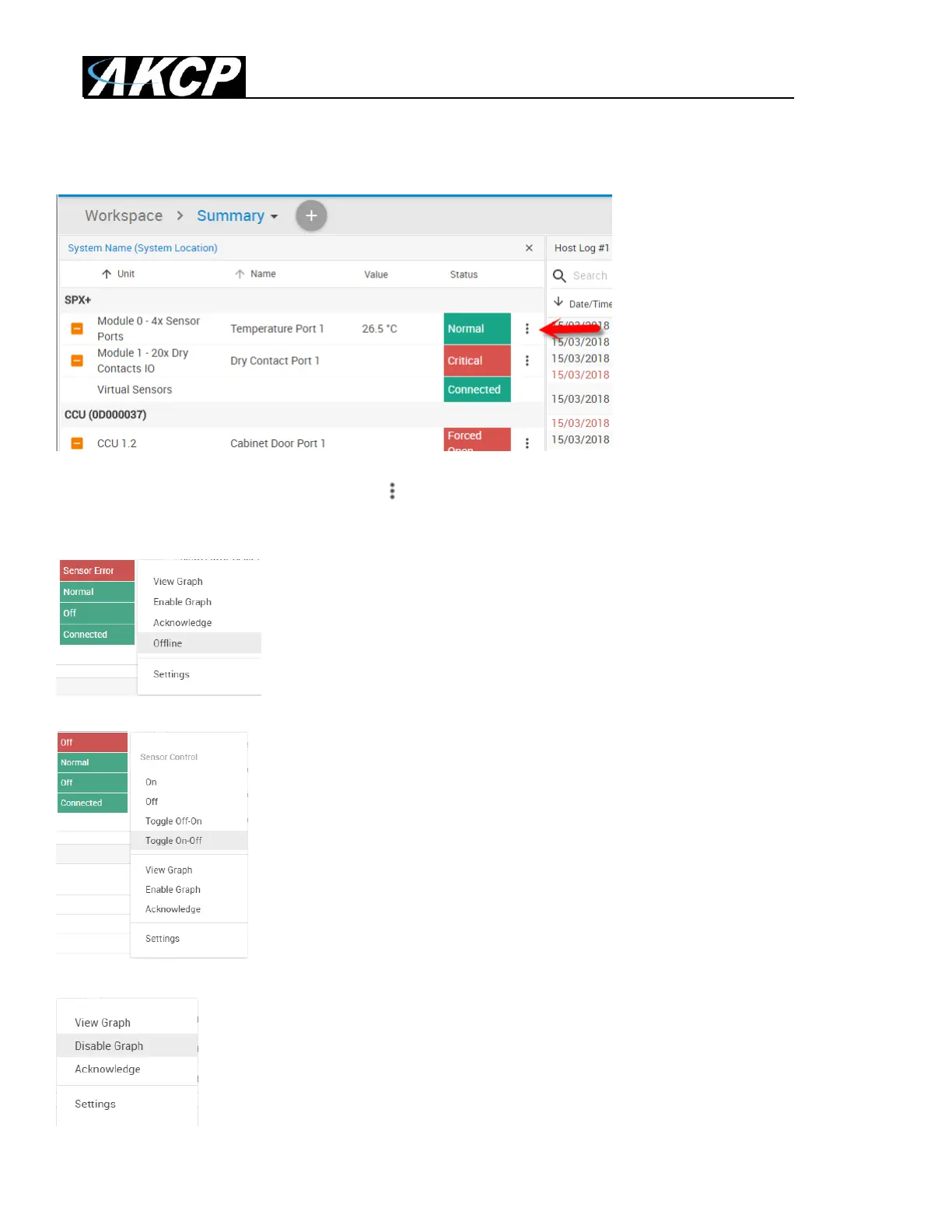
In the Summary page’s Sensors Information window you can do the following:
Click on the configuration menu button directly next to the right of a sensor to access its popup
menu.
Directly acknowledge a sensor’s status, and put the sensor offline
Control the relay-type sensors
Enable/disable graph data collection per sensor (if they support it), and display the
graph display window for the Summary page
We’ll explain the Graph feature in more detail below.



 To Next Page