SPX+ Introduction Manual - updated until firmware 4997
- 23 -
Managing Desktops and Maps
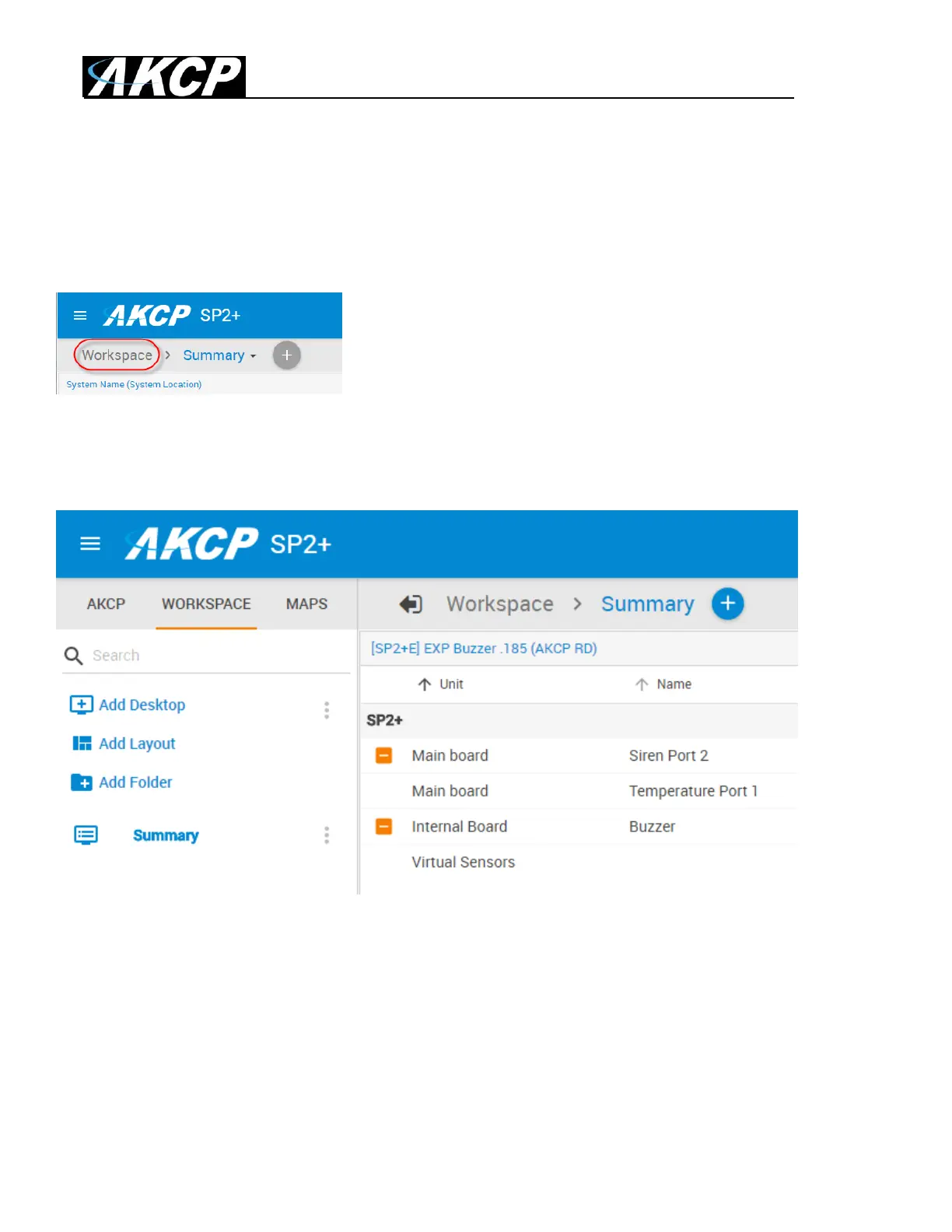
The updated SP+ Web UI has the Workspaces feature from the AKCPro Server’s HTML5 UI.
With this you can manage and view different Desktop layouts in a quick and easy way, create multiple
custom Desktops as well as select from pre-defined layouts with placeholders for displaying your
sensor gauges, logs etc.
To enter into the Workspace mode, click on the Workspace link circled in red as shown above.
The default Desktop is the Summary page on all devices.



 To Next Page