SPX+ Introduction Manual - updated until firmware 4997
- 29 -
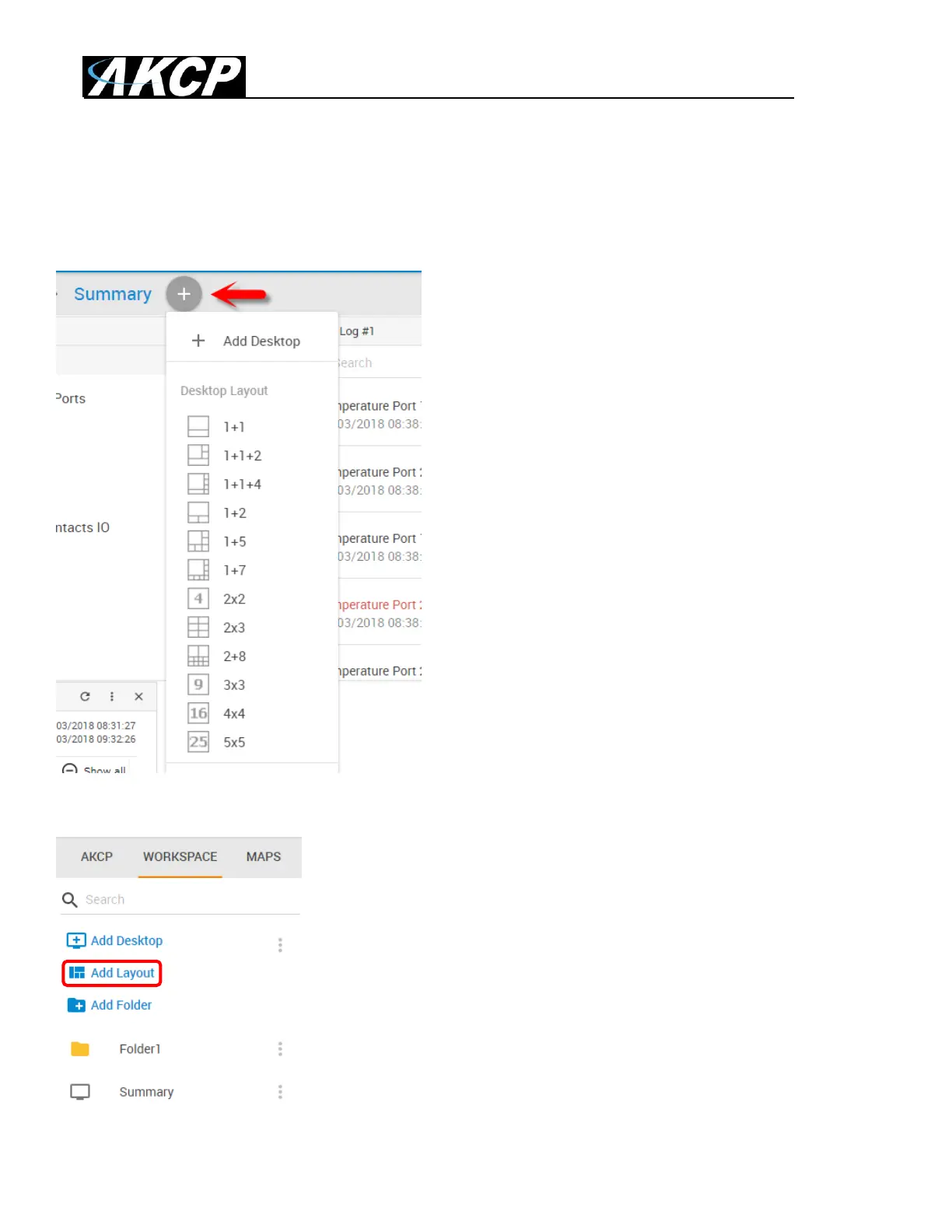
In addition to the simple blank desktop, the second way to add a new desktop is via pre-defined
Desktop Layouts. You could choose one that best suits your monitoring needs to drag and drop your
sensor gadgets.
Use the plus button at the top of the page and select the layout for your new desktop:
Alternatively you can click on the Add Layout link to select from layouts:



 To Next Page