SPX+ Introduction Manual - updated until firmware 4997
- 60 -
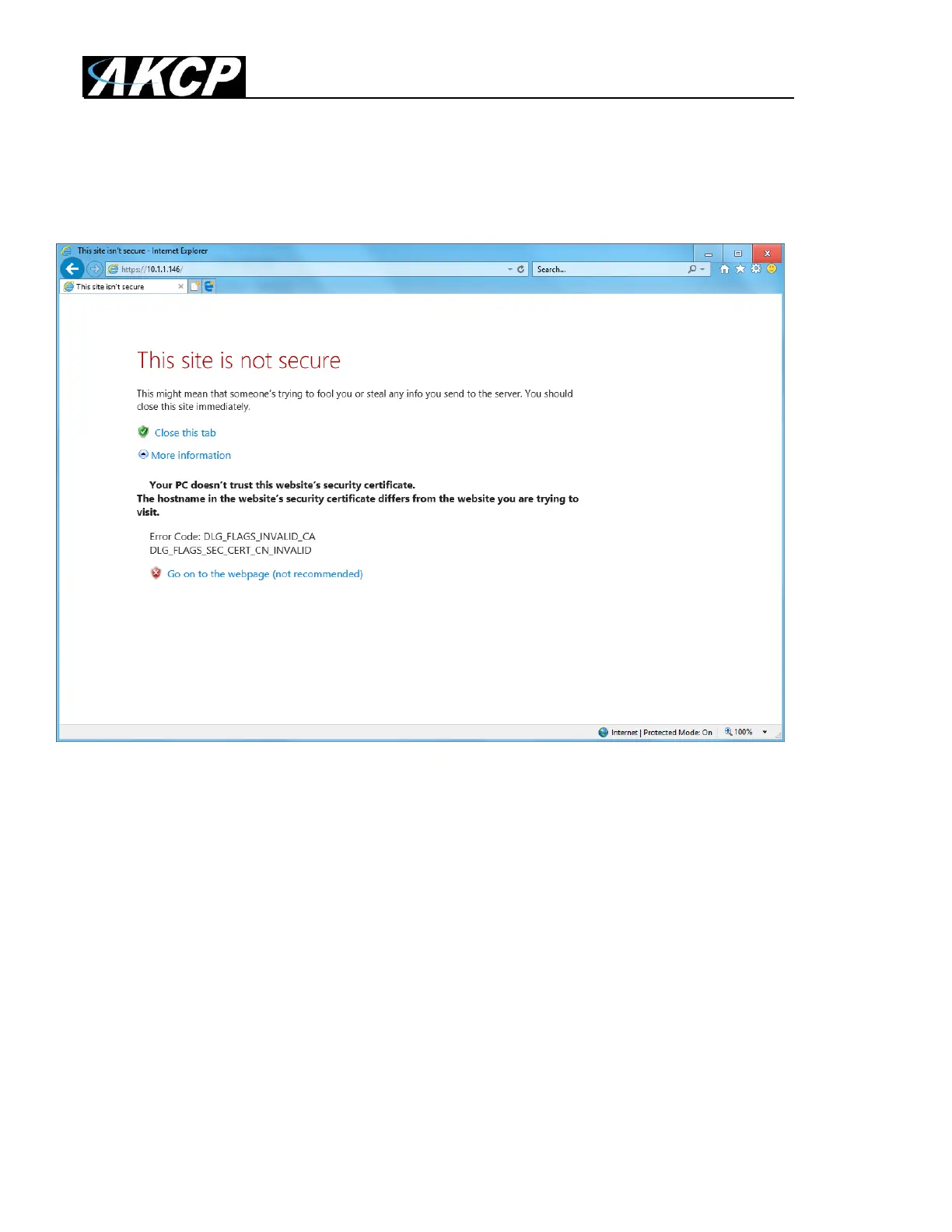
If you don’t upload a certificate but enable HTTPS, a built-in certificate will be used. You’ll get a
browser warning upon opening the Web UI about an incorrect certificate. This is normal and you
should add it as an exception or proceed, depending on your browser:
Important: the default, built-in self-signed SSL certificate is only provided for user convenience so
that the HTTPS WebUI would work on the units out of the box. It WILL raise browser SSL security
warnings and is not meant to be used in production environments where higher security is mandatory.
To use SSL without warnings, you need to either add the units IP address to the exceptions, or
replace the certificate.



 To Next Page