SPX+ Introduction Manual - updated until firmware 4997
- 65 -
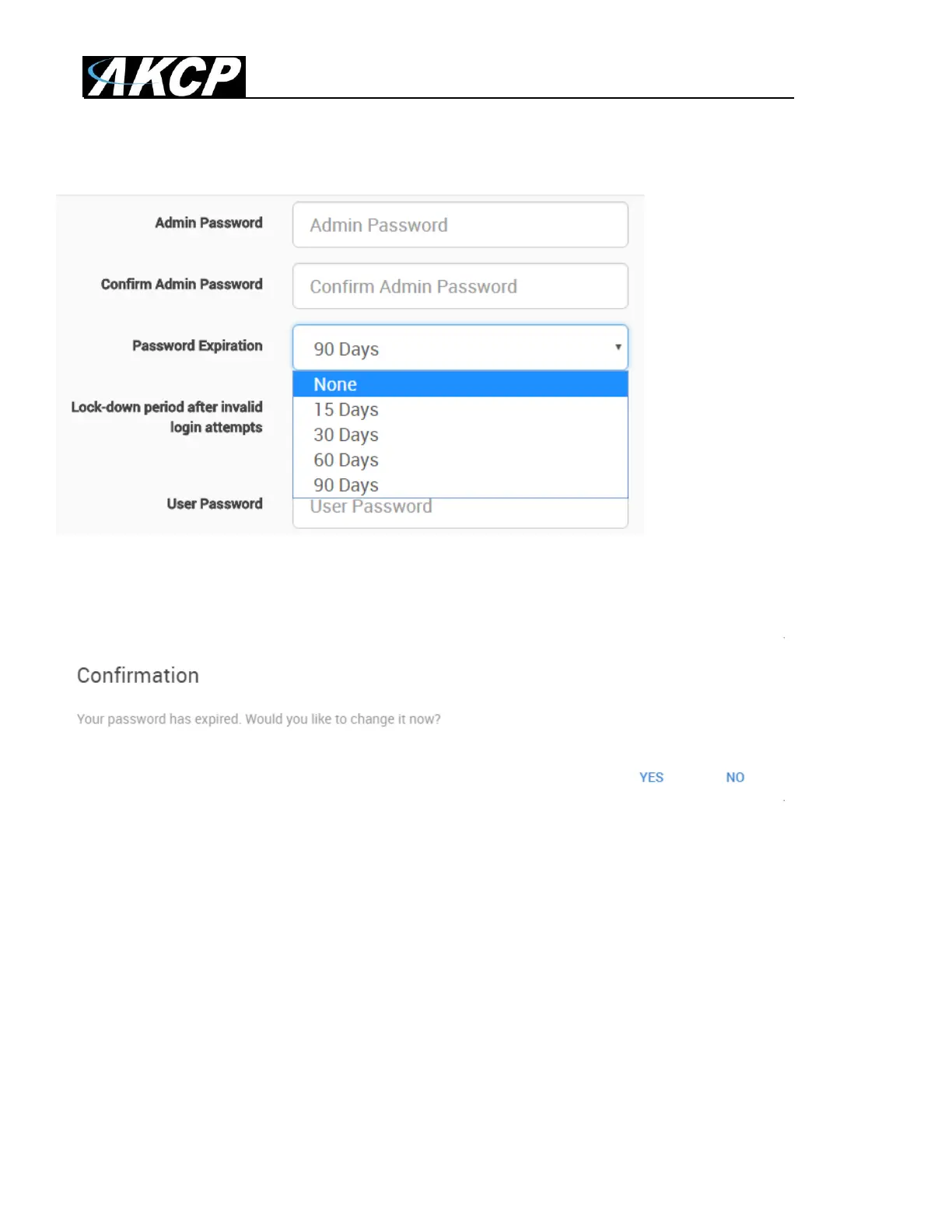
Password Expiration
You can specify password expiration between every 15 and 90 days for all account types.
You could also set “none” to disable expiration.
You’ll get a notification upon login when the password has expired, and will be asked to change it.
It’s advised to change it when asked, but you can still proceed without changing.



 To Next Page