SPX+ Introduction Manual - updated until firmware 4997
- 85 -
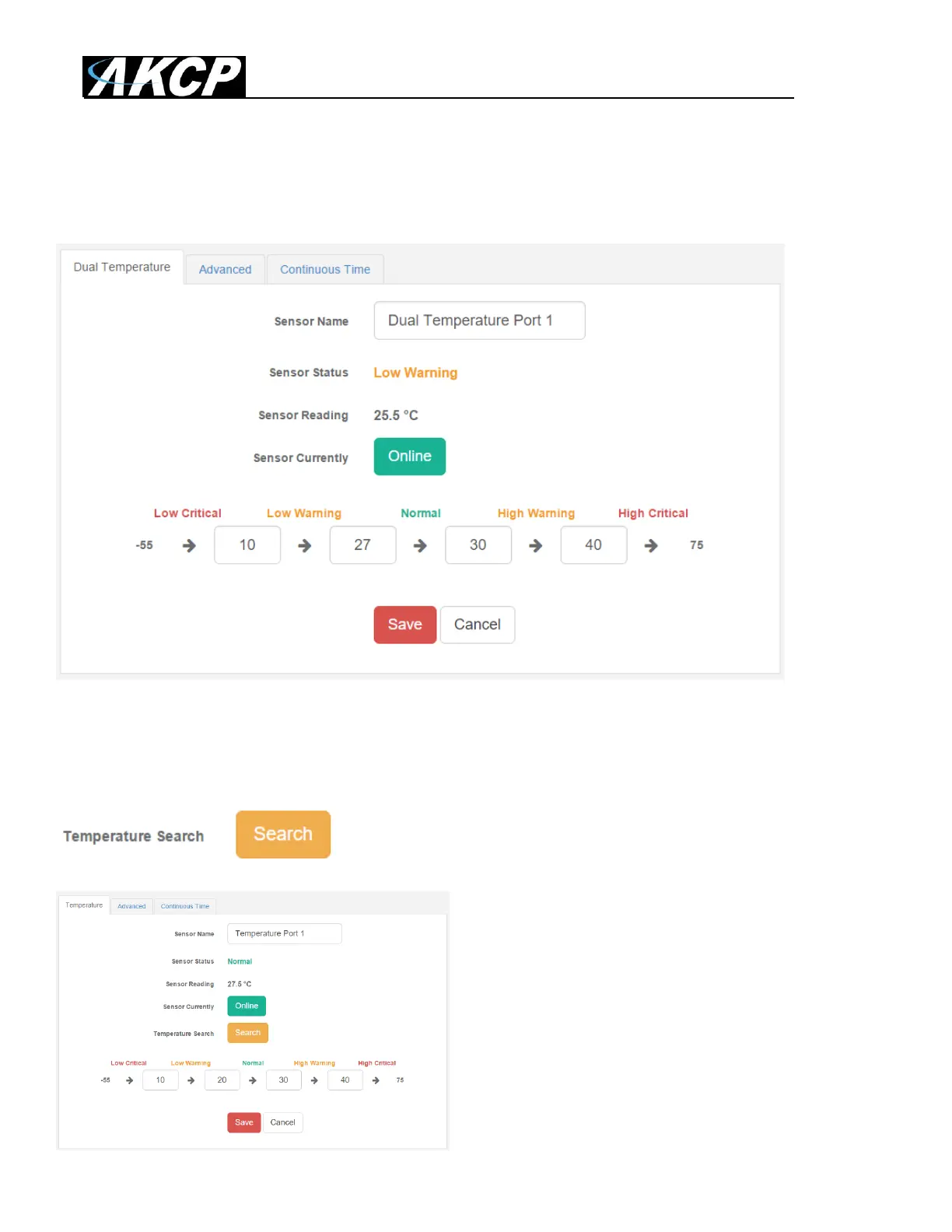
You can re-configure the thresholds for each sensor state. After changing a threshold value, click
“Save”. In the next screen shot you can see that a threshold has been changed to 27 make a new
“low warning” state, and along with it the sensor status has changed:
Note: the Humidity sensor has the same configuration options as the Temperature sensor.
You might see a Temperature Search option for the connected Temperature sensors:
What this button does is to search for new
temperature sensors in a chain, if you’ve connected
more than 1 sensor in a Daisy-Chain Temperature
(DCT) sensor chain.
It is not available for Thermal Map Sensors (TMS).



 To Next Page