EasyManua.ls Logo

AKDY AK-U75-Y01-SS - User Manual

AKDY AK-U75-Y01-SS
19 pages
Print Icon
To Next Page IconTo Next Page
Loading...
1
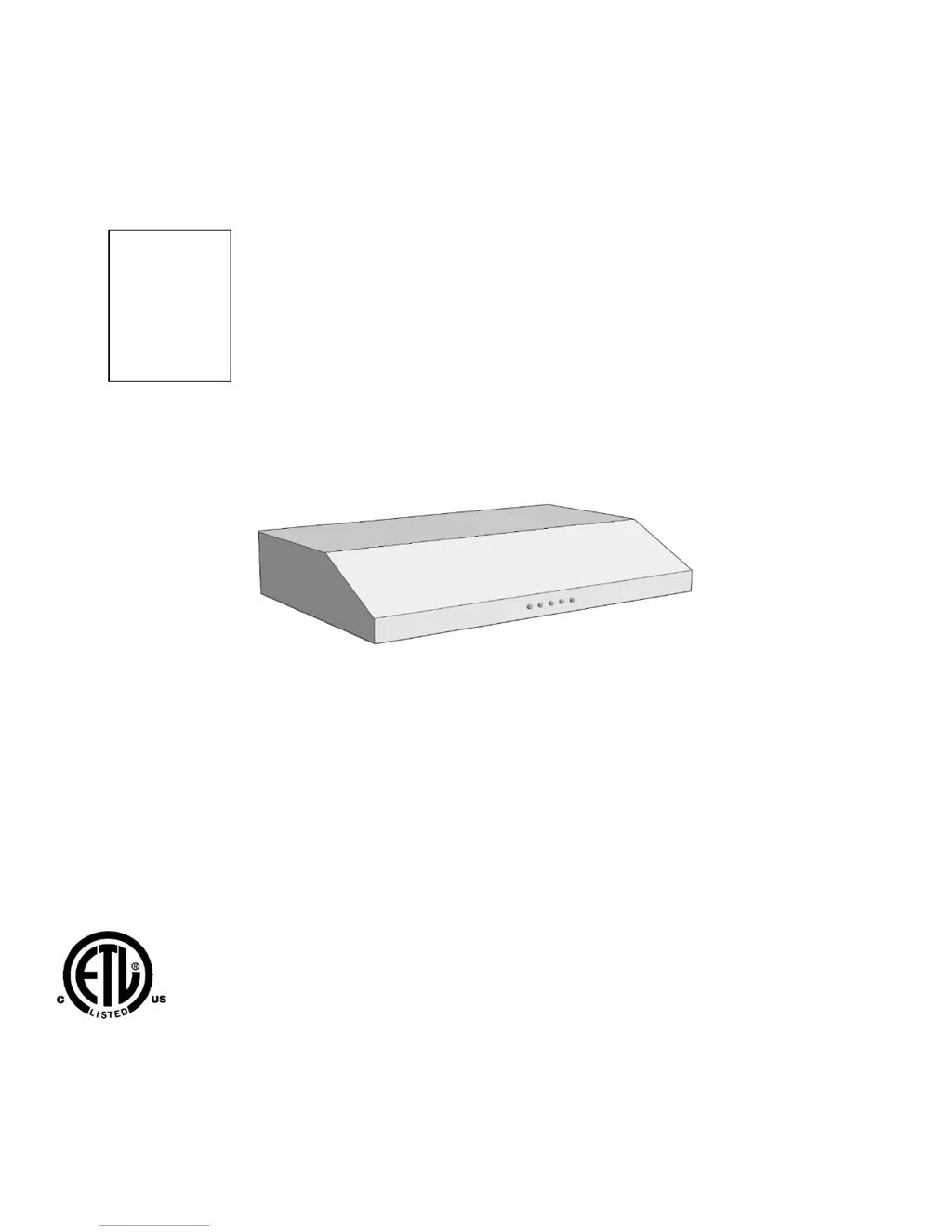
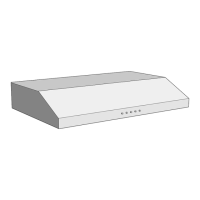
UNDER CABINET RANGE HOOD
Universal Installation Instructions and Use & Care Guide
For questions about features, operation/performance parts, accessories or service, call:
1-626-453-0550
IMPORTANT: READ AND SAVE THESE INSTRUCTIONS.
FOR RESIDENTIAL USE ONLY.
Revised September 2014
Disclaimer: Item purchased may be slightly different from the manual.
Model:
Y01
W01

Questions and Answers

  • M
    Margaret AlvaradoAug 11, 2025
    Why is the fan not working on my AKDY AK-U75-Y01-SS?
    • M
      Meghan WadeAug 11, 2025
      If the AKDY Ventilation Hood's fan isn't working, first check the electronic control for over voltage. Press any key to see if the LCD lights up and icons appear. If not, the control and user interface may need replacement. Also, a loose motor connector could be the cause. To check this: 1. Open the control box by removing the screws. 2. Disconnect the hood from the power supply. 3. Ensure the motor connector is securely connected to the plastic connector, and the locking system is engaged. 4. If not connected, press the main connectors attached to the white plastic and push the motor/lamp connectors until the locking system is secure. 5. Reconnect the hood to the power supply and test.
  • G
    Gary JohnsonAug 27, 2025
    Why is the blower on my AKDY Ventilation Hood so noisy?
    • D
      Diana HullAug 27, 2025
      If the blower on your AKDY Ventilation Hood is too noisy, the filters might be dirty. Check the grease and/or charcoal filters. If they are dirty, replace the charcoal filter, or wash the grease filter and verify if the noise is reduced.
  • A
    Amanda FosterSep 2, 2025
    How to fix false contact in AKDY Ventilation Hood connectors?
    • J
      Jessica JamesSep 2, 2025
      To address a false contact in the connectors of your AKDY Ventilation Hood, especially after cleaning, follow these steps: 1. Open the control box by removing the screws. 2. Disconnect the hood from the power supply. 3. Check that the connector coming from the motor is securely connected to the connector mounted in the plastic and that the locking system in the connectors is well locked. 4. If the connectors are not well connected: Hold and press the main connectors attached to the white plastic and push the motor/lamp connectors until the locking system is well attached. 5. Reconnect the hood to the power supply and verify.
  • D
    David RussellNov 17, 2025
    How to fix AKDY Ventilation Hood lamp that does not turn on?
    • J
      Jenna RichardsNov 17, 2025
      If the AKDY Ventilation Hood lamp isn't turning on, it could be due to a few reasons. The electronic control might not be working due to over voltage. Check if the LCD lights up and icons are visible when any key is pressed; if not, the control and user interface may need replacement. The lamp itself could also be non-functional. Remove the lamp and check if the filament is burned or out of place; replace if necessary. Also, during cleaning, the motor connector may have become loose. To resolve this: 1. Open the control box by removing the screws. 2. Disconnect the hood from the power supply. 3. Ensure the connector from the motor is securely connected to the plastic connector, verifying the locking system is engaged. 4. If not well connected, press the main connectors attached to the whit...

AKDY AK-U75-Y01-SS Specifications

General IconGeneral
BrandAKDY
ModelAK-U75-Y01-SS
CategoryVentilation Hood
LanguageEnglish

Related product manuals