EasyManua.ls Logo

AKDY GVA-IS2 - User Manual

Default Icon
20 pages
Print Icon
To Next Page IconTo Next Page
Loading...
1
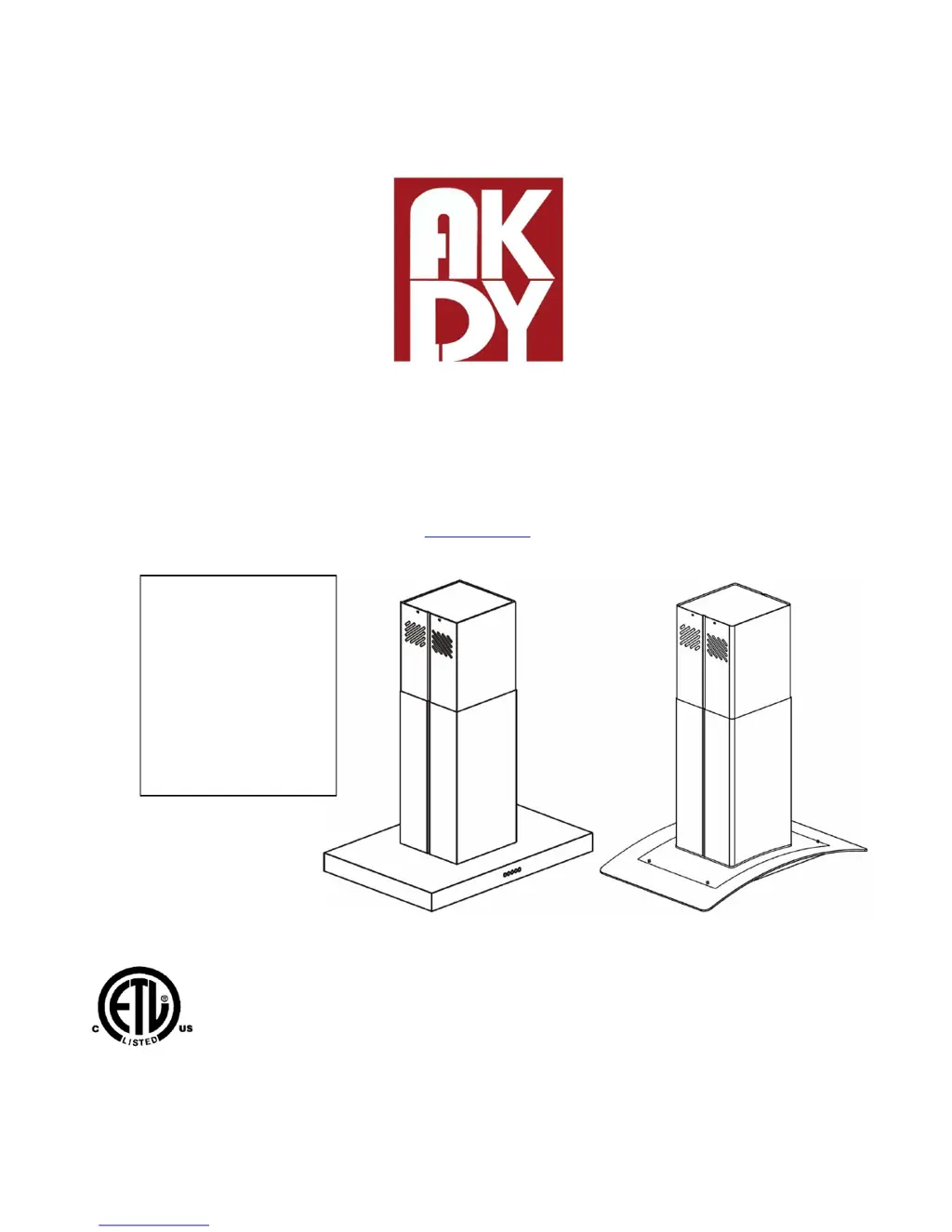
30" AND 36" ISLAND-MOUNT RANGE HOOD
Universal Installation Instructions and Use & Care Guide
For questions about features, operation/performance parts, accessories or service, call:
1-626-453-0550
or visit our website at...
www.akdytrading.net
IMPORTANT: READ AND SAVE THESE INSTRUCTIONS.
FOR RESIDENTIAL USE ONLY.
Model: GVA-I
668I GVC-I
668IS2 GVA-IS2
610I 627I
688I

Questions and Answers

Summary

Important Safety Instructions

Installation Requirement

Tools and Parts Requirements

Lists necessary tools and parts for installation, including specific sizes and quantities.

Location Requirements

Installation Dimensions

Venting Requirements

Venting Method

Details the factory setting for through-the-roof venting and required vent system size.

Rear Discharge

Describes the possibility of installing a 90° elbow above the hood for rear venting.

Non-Vented Installations

Explains how to use the hood in a non-vented mode with carbon filters.

Cold Weather Installations

Provides guidance for installations in cold weather, including back draft dampers.

Makeup Air

Discusses requirements for makeup air systems based on local building codes.

Electrical Requirements

Installation Instructions

Prepare Location

Steps to prepare the installation site, including checking clearances and determining venting method.

Range Hood Mounting Screws Installation

Details how to mark and drill holes for mounting the upper horizontal support.

Complete Preparation

Final steps for preparing the hood for installation, including wiring and vent duct preparation.

Install Range Hood

Instructions for physically mounting the range hood assembly onto the installed support frame.

Complete Installation (For Non-Vented Recirculating Installation Only)

Range Hood Use

Range Hood Controls

Operating the lights

Explains how to turn the hood's lights on and off using the designated button.

Operating the blower

Details how to control blower speed and turn the blower on or off.

Adjusting the clock

Instructions on how to set the hour and minute for the hood's clock display.

Range Hood Care

Cleaning

Important instructions for cleaning the hood's exterior surfaces and metal grease filters.

Exterior Surfaces

Guidance on cleaning the exterior surfaces to avoid damage and water marks.

Cleaning Method

Recommended cleaning agents and methods for the hood's exterior surfaces.

Metal Grease Filter

Step-by-step instructions for removing, washing, and reinstalling the metal grease filters.

Non-Vented Installation Filters

Information regarding the lifespan and replacement of carbon filters for non-vented installations.

Replacing the LED light

Instructions for safely replacing the LED light bulb, including handling precautions.

Trouble Shooting

Lamp does not turn ON

Troubleshooting steps for when the lamp fails to illuminate, covering potential causes and solutions.

FAN does not work

Guidance on diagnosing and resolving issues where the fan motor is not operating correctly.

The blower is too noisy

Addresses issues related to excessive noise from the blower, suggesting causes like dirty filters.

False contact in the connectors

Explains how to fix issues caused by loose or faulty electrical connectors within the hood.

Hood and Lamp Malfunction

Troubleshooting steps for when neither the hood nor the lamp functions, often related to loose terminals.

AKDY Home Improvement Major Appliance Warranty

Limited Warranty

Details the terms and duration of the limited warranty for the major appliance.

Items Excluded from Warranty

Lists specific items and conditions that are not covered under the appliance's limited warranty.

Disclaimer of Implied Warranties

Legal disclaimers regarding implied warranties and limitations on remedies available to the customer.

AKDY GVA-IS2 Specifications

General IconGeneral
BrandAKDY
ModelGVA-IS2
CategoryVentilation Hood
LanguageEnglish

Related product manuals