EasyManua.ls Logo

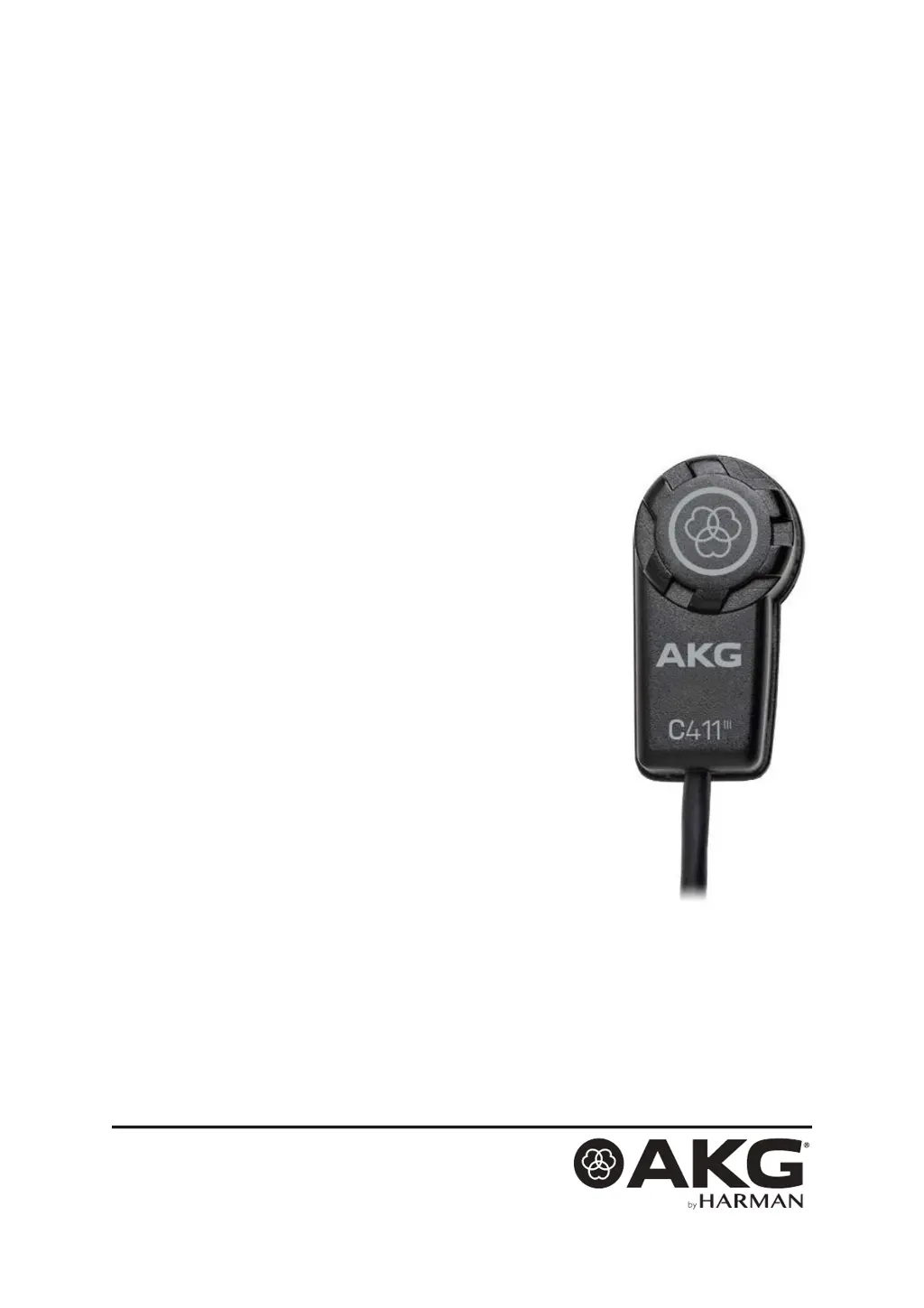
AKG C411 Series - User Manual

AKG C411 Series
17 pages
Print Icon
To Next Page IconTo Next Page
Loading...
2 BEDIENUNGSANLEITUNG
Vor Inbetriebnahme des Gerätes lesen!
18 USER INSTRUCTIONS
Read the manual before using the equipment!
34 MODE D’EMPLOI
Lire cette notice avant d’utiliser le système!
50 MODO DE EMPLEO
¡Consulte el manual antes de utilizar el equipo!
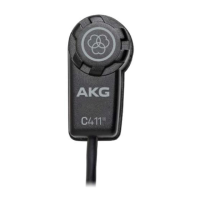
HIGH-PERFORMANCE MINIATURE
CONDENSER VIBRATION PICKUP
C411
III
(L, PP)

Questions and Answers

  • M
    Mr. Andrew Brooks Jr.Jul 27, 2025
    What to do if my AKG C411 has no sound?
    • A
      Angela WalshJul 27, 2025
      If your AKG Microphone isn't producing sound, there are several potential causes and solutions: * Ensure the mixer and/or amplifier are powered on. * Verify that the channel or master fader on the mixer, or the volume control on the amplifier, is set to an audible level. * Confirm the microphone is properly connected to the mixer or amplifier. * Check all cable connectors to ensure they are securely seated. * Inspect the cable for any damage and replace it if necessary. * If applicable, switch phantom power on. * If a phantom power supply is used: connect it to a power outlet or insert batteries. Also, check the cable and replace it if damaged.
  • M
    Michael WalkerAug 11, 2025
    Why does my AKG C411 sound distorted?
    • A
      Ashley BrownAug 11, 2025
      If you're experiencing distortion with your AKG Microphone, it could be due to the gain control on the mixer being set too high. Try turning the gain control down counter-clockwise. Alternatively, the mixer input sensitivity may be too high; in this case, connect a 10 dB preattenuation pad between the microphone cable and the input.

Summary

Safety and Environment

Description

Features

Highlights key attributes like rugged design and tailored frequency response for specific instruments.

Interfacing

Connecting C411 PP to Balanced Inputs

Instructions for connecting the C411 PP to balanced XLR microphone inputs with phantom power.

Connecting C411 L to Balanced Inputs

Steps for connecting the C411 L using the B23 L battery supply to balanced inputs.

Use

Attaching the Pickup to the Instrument

Provides guidance on attaching the pickup to the instrument, including surface condition checks.

Hints on Microphone Placement

Offers placement suggestions for various instruments like guitar, violin, banjo, and zither.

Troubleshooting

Technical Data

AKG C411 Series Specifications

General IconGeneral
Polar PatternOmnidirectional
Transducer TypeCondenser
Impedance200 ohms
Recommended Load Impedance1000 ohms
ConnectorXLR
Dimensions14 mm diameter
Cable Length3 m

Related product manuals