EasyManua.ls Logo

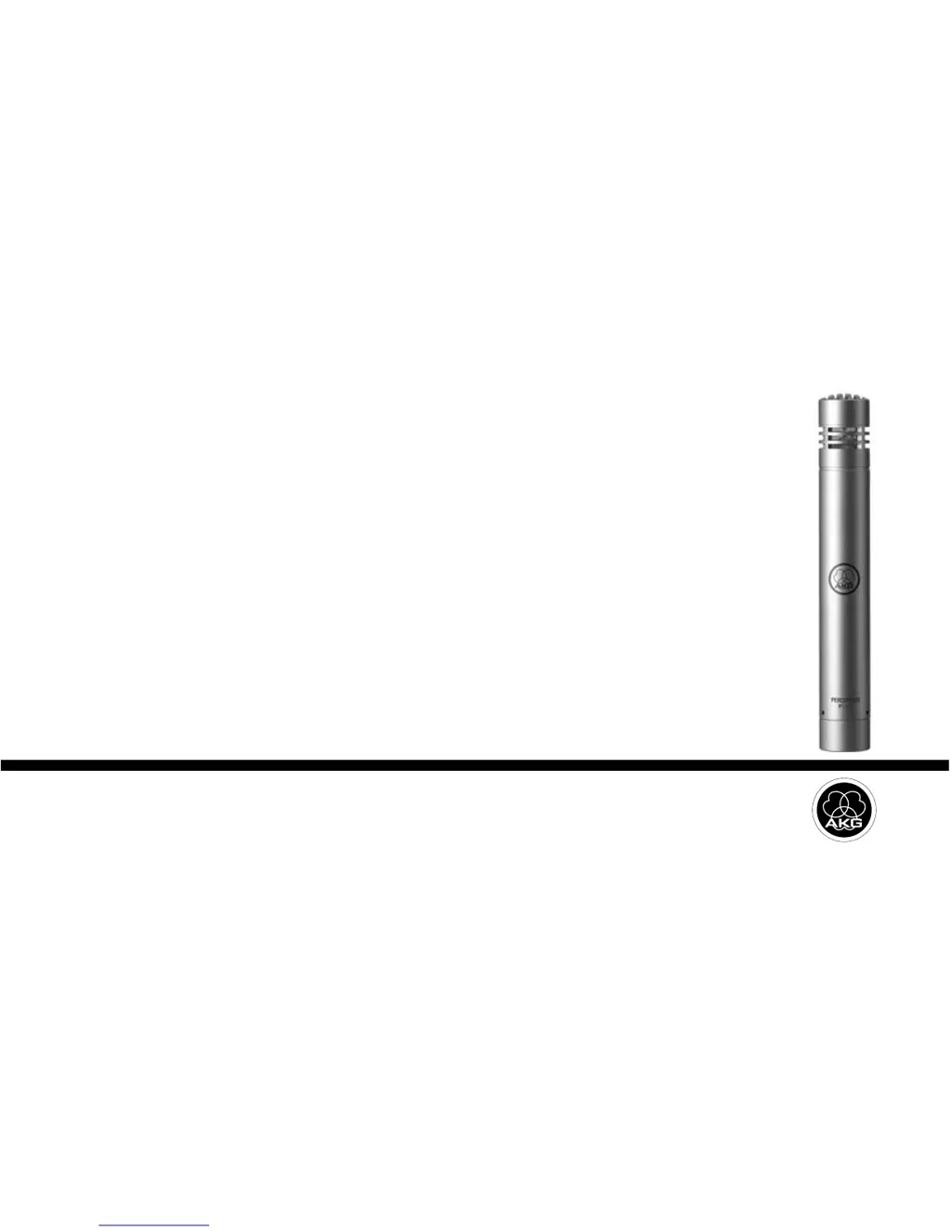
AKG PERCEPTION 170 - User Manual

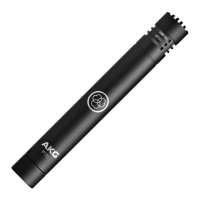
AKG PERCEPTION 170
20 pages
Print Icon
To Next Page IconTo Next Page
Loading...
PERCEPTION
170
User Instructions.............................p. 2
Please read the manual before using the equipment!
Mode d’emploi .............................p. 14
Veuillez lire cette notice avant d’utiliser le système!

Questions and Answers

  • B
    Breanna LindseyJul 26, 2025
    How to fix AKG PERCEPTION 170 distortion?
    • R
      Robert PattonJul 26, 2025
      If you're experiencing distortion with your AKG Microphone, here are a few things to check: * The channel gain control on the mixer might be set too high. Try turning it down counter-clockwise. * The microphone could be too close to the sound source. Move it further away. * The microphone sensitivity might be too high. Engage the preattenuation pad.
  • D
    diane74Aug 5, 2025
    What to do if AKG PERCEPTION 170 Microphone has crackling noises or low output?
    • N
      Nicholas HarrisAug 5, 2025
      If your AKG Microphone is producing crackling noises or has low output, it could be due to partial short-circuits caused by excessive humidity. Place the microphone in a warm, dry room and allow it to dry completely.
  • P
    parrishmadisonAug 14, 2025
    Why is my AKG PERCEPTION 170 not working?
    • K
      Kaitlyn KnightAug 14, 2025
      If your AKG Microphone isn't producing sound, several factors could be the cause: * The mixer or amplifier might be off. Ensure they are switched on. * The channel or master fader on the mixer, or the volume control on the amplifier, might be at zero. Adjust them to the desired level. * The microphone might not be properly connected. Make sure it's securely connected to the mixer or amplifier. * Loose cable connectors can cause issues. Check that all cable connectors are firmly seated. * A defective cable can also result in no sound. Inspect the cable and replace it if damaged. * Lack of supply voltage. Switch phantom power on and check/replace the cable if necessary.

Summary

Precaution;Unpacking

Precaution

Ensure equipment meets safety regulations and has a ground lead.

Unpacking

Check packaging for all included microphone components.

Description

Introduction

Welcome and instructions to read the manual before operating.

Features

Details the cardioid polar pattern, gold-sputtered diaphragm, and all-metal body.

Optional Accessories

Lists optional accessories like pop screen and floor stand.

Interfacing

General

Explains the microphone uses 48-volt phantom power and needs an external supply.

Pinout

Describes the balanced output on a 3-pin male XLR connector.

Connecting the Microphone

Steps to connect the microphone to a balanced XLR input with phantom power.

Using Your Microphone

Cleaning

Troubleshooting

Specifications

AKG PERCEPTION 170 Specifications

General IconGeneral
TypeStudio microphone
Microphone frequency20 - 20000 Hz
Microphone direction typeCardioid
Microphone input impedance1000 Ω
XLR outYes
Device interfaceXLR-3
Connectivity technologyWired
Product colorBlue, Metallic
Weight and Dimensions IconWeight and Dimensions
Microphone weight130 g
Microphone dimensions (D x H)22 x 160 mm

Related product manuals